AI FILMS Studio 上线了两款新的图生视频模型。Vidu Q3 Turbo 和 Vidu Q3 Drama。不同的工具,不…
分享链接 · https://openimages.ajiang.me/p/2073153856289087551/
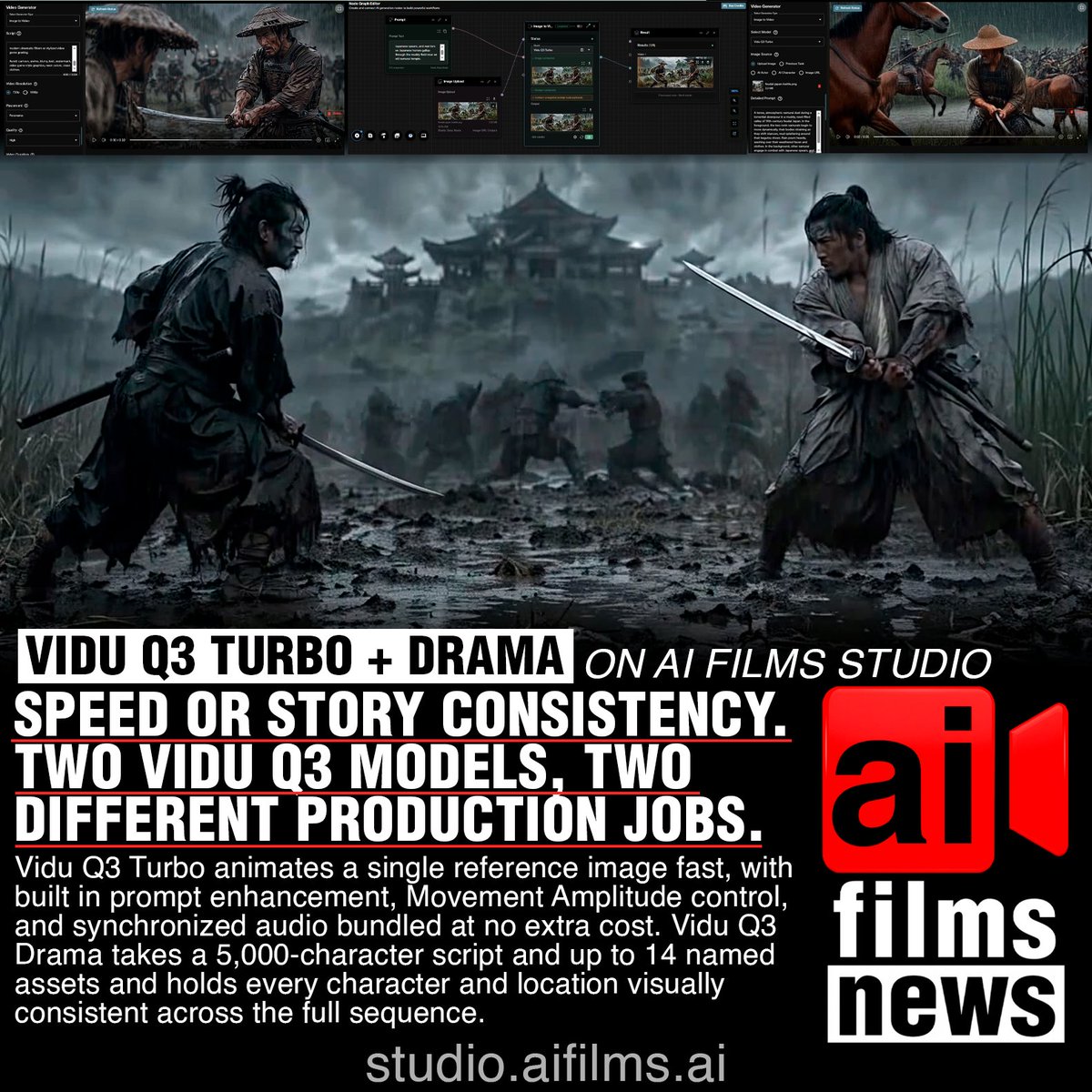
color_palette · dark-moodycomposition · multi-panelcomposition · wide-shotlighting · low-keymood · dramaticquality_flags · embedded-text
提示词(原文,逐字保留)
Two new image to video models are live on AI FILMS Studio. Vidu Q3 Turbo and Vidu Q3 Drama. Different tools, different jobs.
Vidu Q3 Turbo animates a single reference image fast. Built in prompt enhancement, Movement Amplitude control (Auto / Small / Medium / Large), synchronized audio, and background music. Both audio options are free, no extra credits. Resolutions 540pX to 1080pX at 40 to 80 credits per second.
Vidu Q3 Drama takes a full script (up to 5,000 characters) and up to 14 named assets for characters, locations, props. The model tracks each asset ID across every shot and holds visual identity without drift. It has also three placement modes: Upload (default), Panorama for wide environments from a single reference, and Step, which feeds each scene's final frame into the next generation. The duration is up to 30 seconds. A flat rate of 140 credits per second.
A prompt tip for Turbo is to always try to describe motion specifically. "Her hand slowly reaches toward the camera, fingers slightly blurred at full extension" this outperforms "hand moves" for example.
A prompt tip for Drama is to write where everyone is, what they do, and where the camera sits. Summary writing produces inconsistent results.
Both, Vidu Q3 Turbo and Drama also runs in the Nodes Graph Editor.
Full guide with credit tables.
https://t.co/DtXQ1O5o4D
中文译文
AI FILMS Studio 上线了两款新的图生视频模型。Vidu Q3 Turbo 和 Vidu Q3 Drama。不同的工具,不同的用途。
Vidu Q3 Turbo 可以快速将单张参考图动画化。内置提示词增强、运动幅度控制(Auto / Small / Medium / Large)、同步音频以及背景音乐。两种音频选项均为免费,不额外消耗积分。分辨率从 540pX 到 1080pX,每秒 40 到 80 积分。
Vidu Q3 Drama 可接收完整脚本(最多 5,000 个字符)以及最多 14 个已命名资产,用于角色、场景和道具。该模型会在每个镜头中追踪每个资产 ID,并在无漂移的情况下保持视觉一致性。它还提供三种放置模式:Upload(默认)、Panorama(通过单张参考图生成宽幅环境),以及 Step(将每个场景的最后一帧送入下一次生成)。时长最长可达 30 秒。每秒固定 140 积分。
Turbo 的提示词技巧是:始终尽量具体地描述动作。例如,"Her hand slowly reaches toward the camera, fingers slightly blurred at full extension"的效果要优于"hand moves"。
Drama 的提示词技巧是:写清楚每个人所在的位置、他们在做什么,以及相机的位置。使用概述式写法会导致结果不一致。
Vidu Q3 Turbo 和 Drama 也都可以在 Nodes Graph Editor 中运行。
完整指南及积分表。
https://t.co/DtXQ1O5o4D
来源与署名
原文由 @zaesarius 发布在 X:查看原推文。 本页逐字保留原文并提供机器翻译的中文解读;版权归原作者所有。
同工具的更多提示词
- [片段参考] + 将参考片段视为摄像机从未停止录制。在其之前立即生成缺失的几秒,使用完全相同的镜头语言、光线、节奏、摄像机运动和连续性,结束在一个与参考片段第…@shikoba_86
- 我希望是晴天。 提示🔽 { "direction": "一张真实感的SNS风格的智能手机照片。一位虚构的成年女性模特坐在户外艺术活动现场的旧金属脚手架上,由朋…@Live_life_style
- 以上传的角色参考表(CHARACTER REFERENCE SHEET)作为绝对的身份权威依据。 创作一张宽幅 16:9 的电影级奇幻 RPG 档案海报,展示…@DantaroDanstar
- 1girl, tanuki girl, holding a large calendar, confused expression, floating dig…@kazema1208
- 提示词分享✨ 年轻奇幻战士的戏剧性肖像,棕色凌乱头发,佩戴华丽的银色皇冠,拥有巨大而精细的蓝色和绿色鹦鹉状翅膀,眼睛发出黄橙色光芒,蓝色泪水顺着脸颊流下,身着…@IvanAI_Art
- 肖像提示词 黄昏时分,一对年轻情侣坐在巨大的白色好莱坞标志牌边缘热烈接吻。紧凑中景:浅金色波浪头发盘成低发髻的女子,身穿婴儿粉无袖高领上衣、黑色 leggin…@Just_sharon7