我用手机只靠两个工具就完成了这整条视频:
分享链接 · https://openimages.ajiang.me/p/2102668033533599902/
camera_lens · macrocolor_palette · neoncomposition · low-anglehuman_attributes · facial-hairlighting · low-keylighting · neon-light
提示词(原文,逐字保留)
I made this entire video on my phone using just two tools:
@OiiOii_AI for Seedance 2.5
@capcutapp for the final upscale and polish
No PC. No complicated editing setup.
And you can do it too.
Here’s how:
Start with the idea.
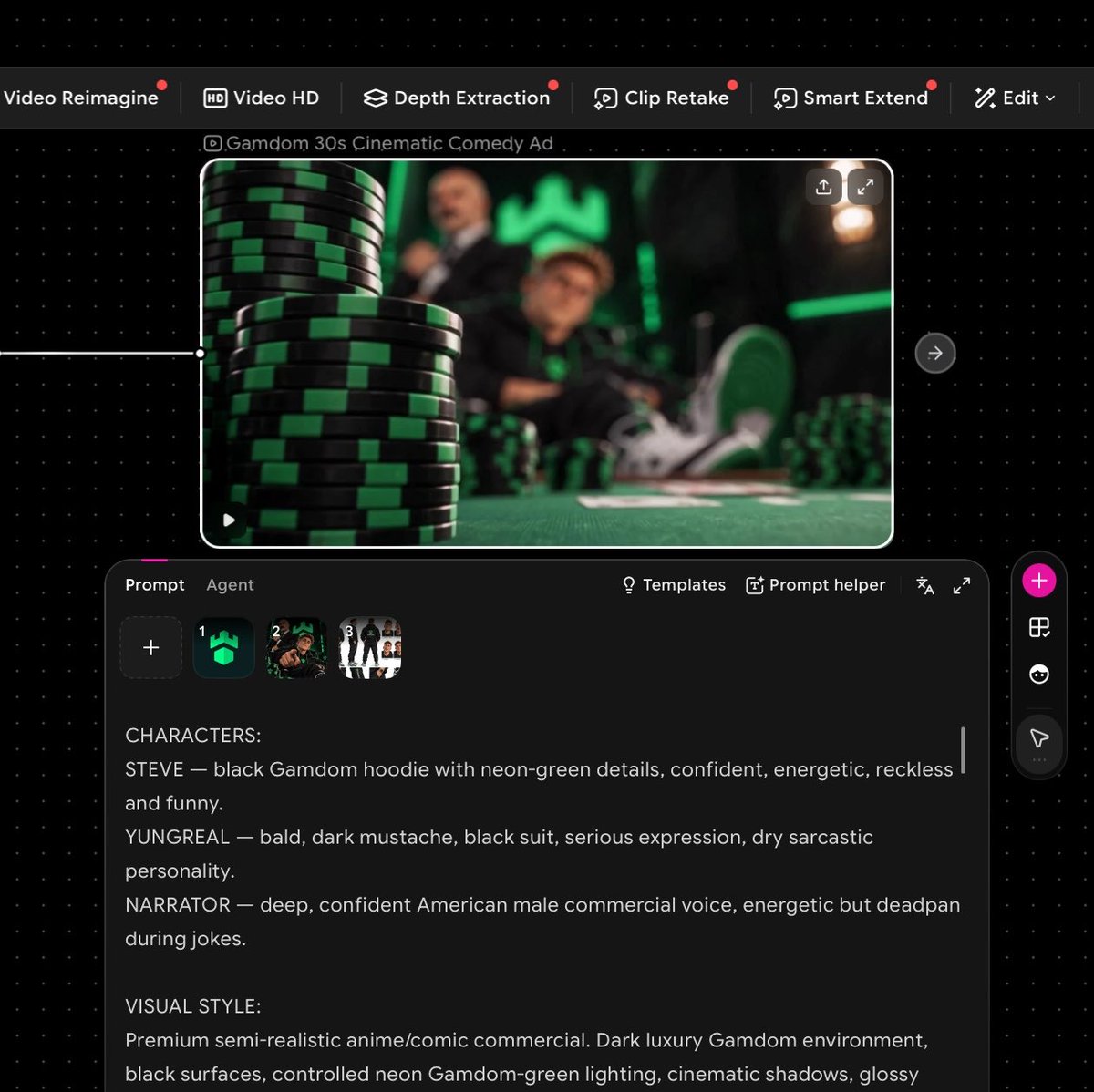
I wanted a short cinematic GAMDOM ad, so I first mapped out the characters, setting, dialogue and overall direction.
Create your reference images.
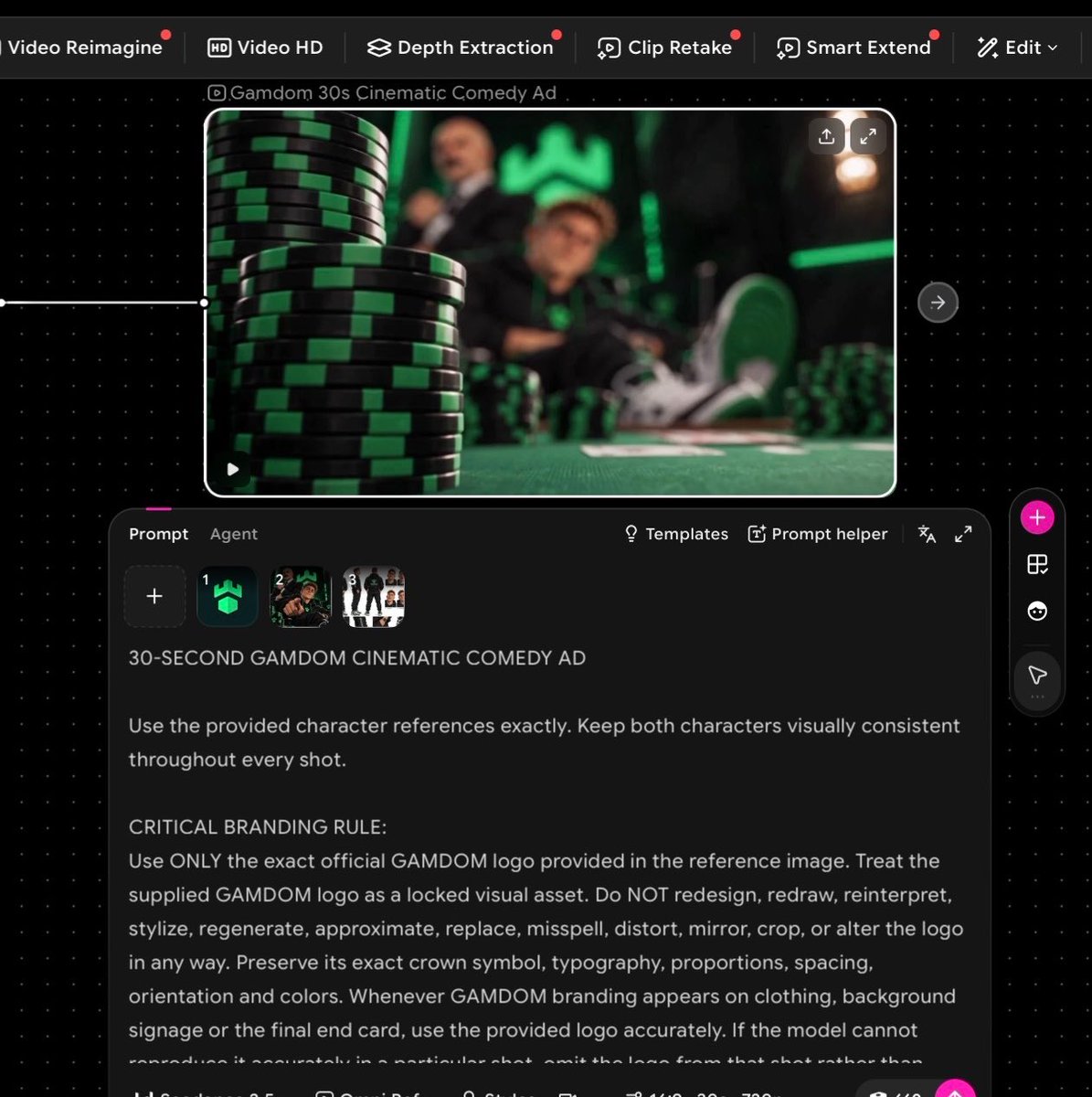
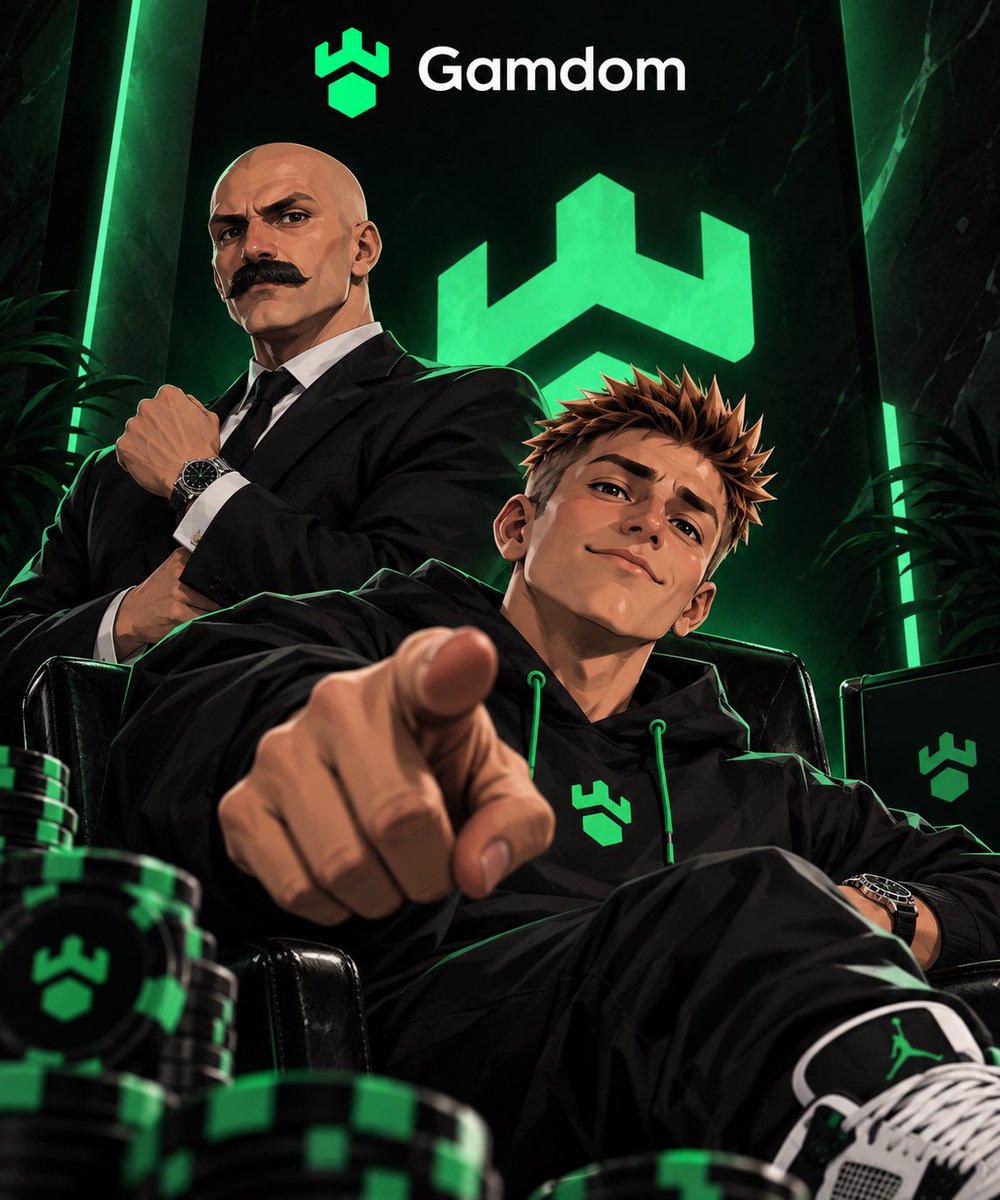
This is important. Give each main character a clear reference image and include the correct brand/logo assets. Consistent references means more consistent generations.
Open @OiiOii_AI and select Seedance 2.5.
Upload your character and brand references, then use Omni Ref so Seedance has visual references to follow.
Write ONE detailed prompt.
Don’t just describe the scene. I included:
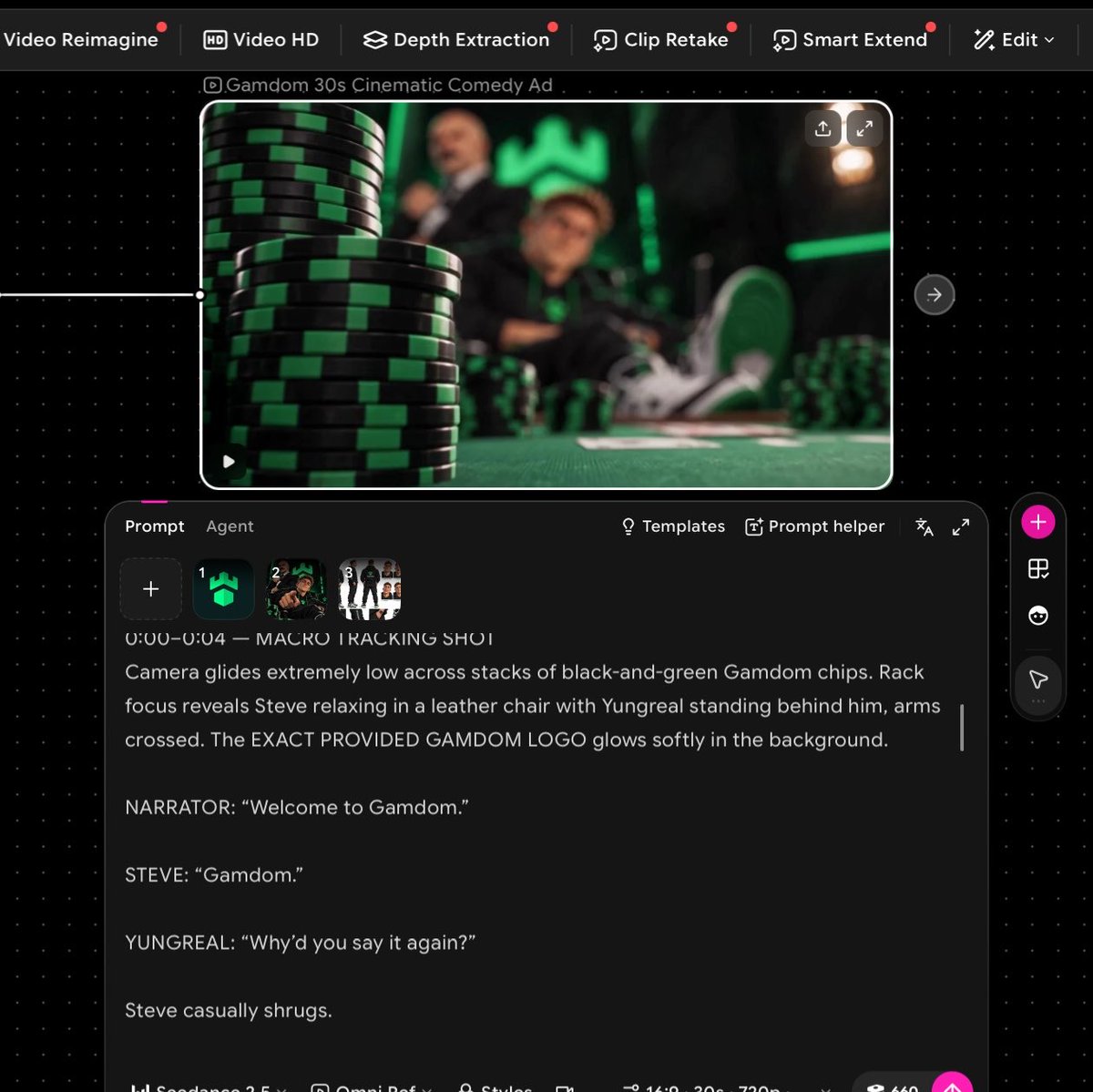
timestamps + camera movements + character actions + dialogue + narrator + lighting + visual style + branding rules.
For example:
0:00–0:04 Macro tracking shot across black-and-green casino chips. Rack focus reveals the characters behind the table…
Then continue shot-by-shot until the full 30 seconds is mapped out.
Lock your branding.
For branded videos, explicitly tell the model to use the exact supplied logo and not redesign, distort or replace it. I repeated this rule throughout the prompt.
Generate with Seedance 2.5.
I used 16:9, 30 seconds and let Seedance handle the cinematic motion, dialogue scenes and camera work.
Take the final generation into @capcutapp.
This is where I upscale it and do the last bit of polishing sharpness, timing, audio levels and export quality.
That’s basically it.
Idea → references → detailed storyboard prompt → Seedance 2.5 on @OiiOii_AI → CapCut upscale → finished ad.
All from my phone.
The biggest difference isn’t having expensive equipment. It’s how detailed you are with the prompt and references.
中文译文
我用手机只靠两个工具就完成了这整条视频:
@OiiOii_AI 用于 Seedance 2.5
@capcutapp 用于最终升频和润色
不用电脑。无需复杂的剪辑环境。
你也可以做到。
方法如下:
从创意开始。
我想要一条简短的电影感 GAMDOM 广告,所以我先规划好角色、场景、对白以及整体方向。
创建参考图。
这很重要。为每个主要角色准备一张清晰的参考图,并附带正确的品牌/Logo 素材。统一的参考图意味着更一致的生成结果。
打开 @OiiOii_AI 并选择 Seedance 2.5。
上传你的角色和品牌参考图,然后使用 Omni Ref,让 Seedance 有可遵循的视觉参考。
写一条详细的提示词。
不要只描述场景。我在其中包含了:
时间码 + 镜头运动 + 角色动作 + 对白 + 旁白 + 灯光 + 视觉风格 + 品牌规则。
例如:
0:00–0:04 穿过黑白绿筹码的微距跟踪镜头。焦点转移揭示桌后的角色……
然后按镜头逐段继续,直到完整 30 秒都规划完毕。
锁定品牌。
对于品牌视频,明确告诉模型使用所提供的精确 Logo,不要重新设计、变形或替换。我在整条提示词中反复强调了这一规则。
用 Seedance 2.5 生成。
我使用了 16:9、30 秒,让 Seedance 处理电影感运动、对白场景和镜头。
把最终生成结果导入 @capcutapp。
在这里进行升频,并完成最后的精细打磨——清晰度、节奏、音量电平和导出质量。
基本上就是这样。
创意 → 参考图 → 详细分镜提示词 → 在 @OiiOii_AI 上用 Seedance 2.5 → CapCut 升频 → 完成广告。
全部在手机上完成。
最大的区别不是拥有昂贵的设备,而是你在提示词和参考图上有多细致。
来源与署名
原文由 @DRPC777 发布在 X:查看原推文。 本页逐字保留原文并提供机器翻译的中文解读;版权归原作者所有。
同工具的更多提示词
- 使用 @[character ref] 作为唯一的角色与视觉风格参考:保留小女孩的脸、年龄、蓝灰色波波头、宽松的炭灰-灰褐色 T 恤、米色翻边短裤、米白袜以及…@aimikoda
- 概念: 制作一段30秒的超写实生活片段视频,讲述一位年轻女子在公寓天台上度过一个安静的傍晚,试图在日落前让一台老式电池供电的收音机正常工作。 整个故事发生在一…@ChillaiKalan__
- 在 Magnific 上完成的,使用 GPT 2.5 sunburst 作为起始帧,并搭配以下提示词(附上了我的照片 + @magnific logo) 一张…@techhalla
- 30秒电影感生存游戏预告片,黑暗韩国惊悚美学,快速剪辑,紧张感层层升级,戏剧化音效设计,真实真人动作。 0–0.8秒:黑屏,心跳声,"PLAY."闪烁。 0.…@doctorwasif
- https://t.co/jnkNUbQ5aW@AllkeyArt
- 制作一段30秒的手绘二维动画烹饪影片,场景设定在宁静的韩国乡村。温暖的绘本式光影,柔和的水彩质感,精致的背景,温和的赛璐璐描线阴影,自然的手绘动态,温馨的电影…@Jiade05