@image1 - 主要参考
分享链接 · https://openimages.ajiang.me/p/2083577244308377902/
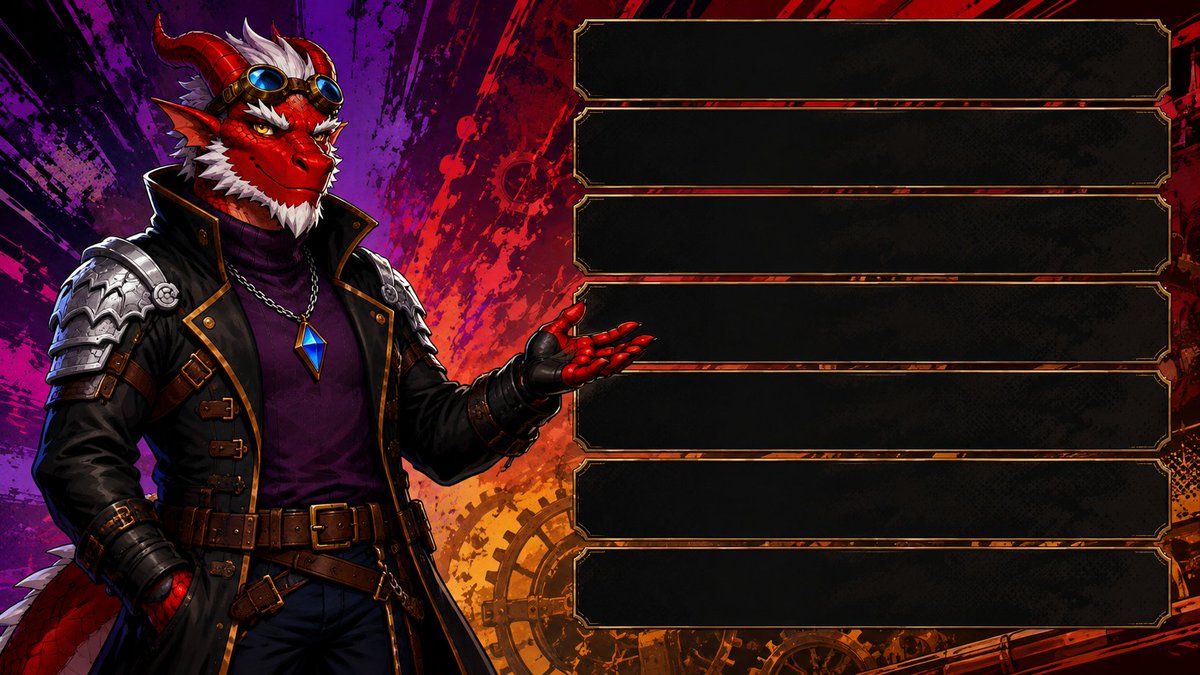
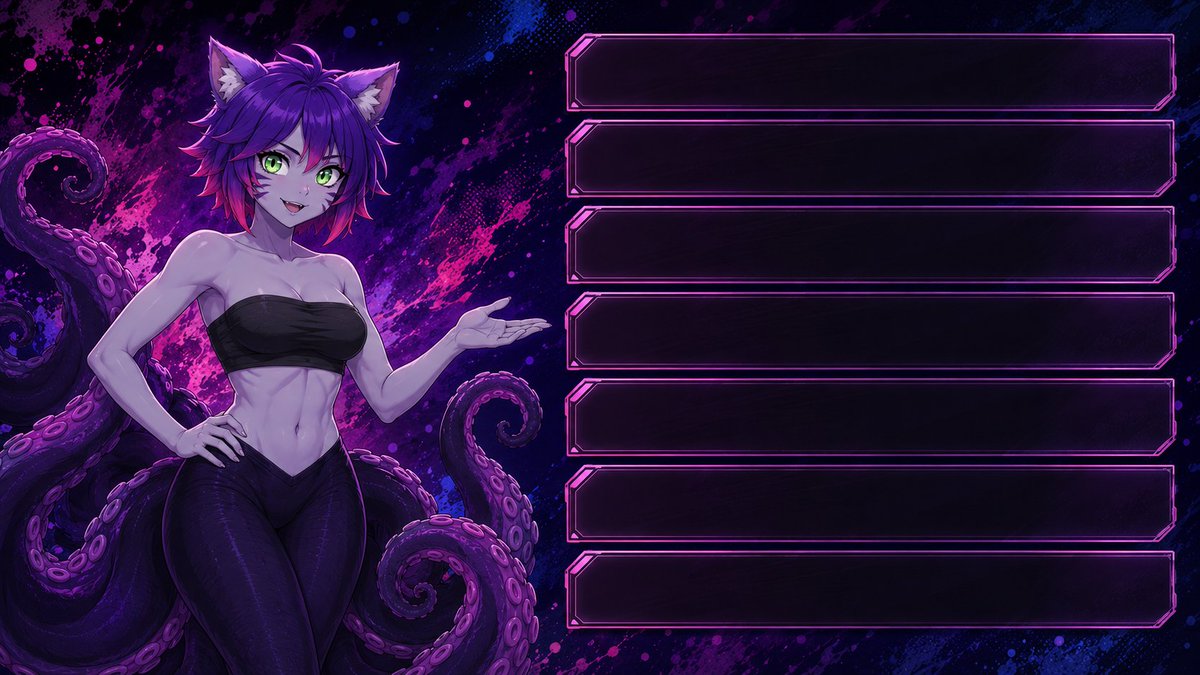
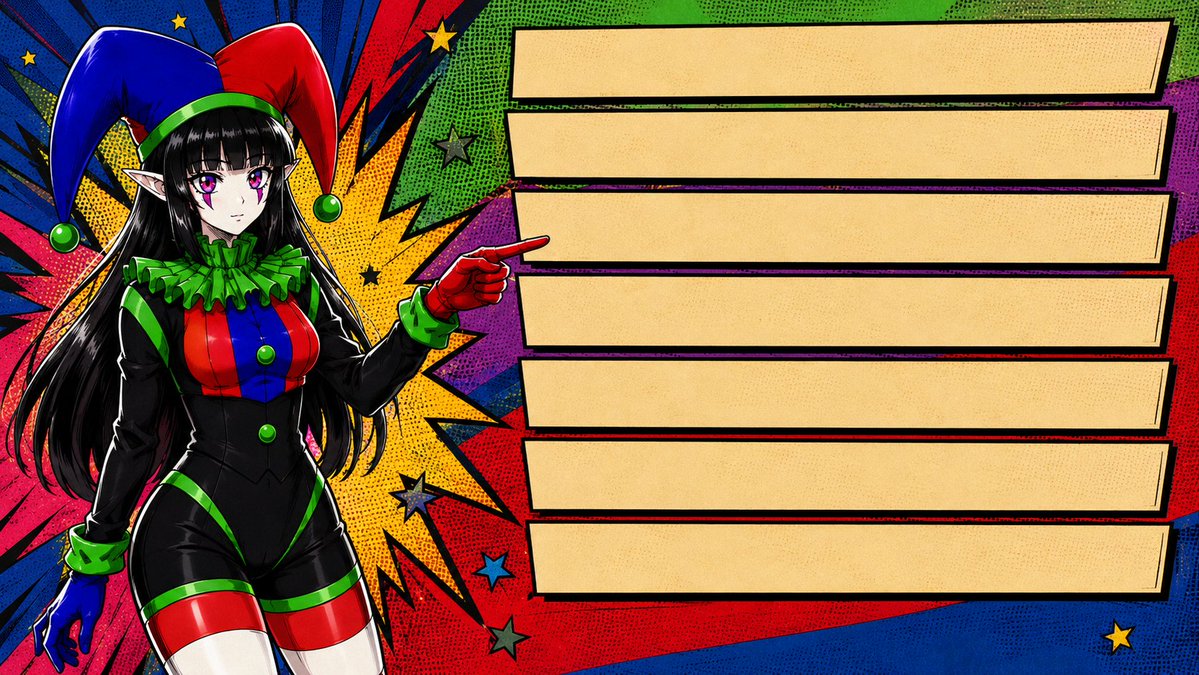
color_palette · high-contrastcolor_palette · vibrantcomposition · multi-panelhuman_attributes · hands-prominentscene · fantasy-worldsubject_type · character
提示词(原文,逐字保留)
-------Stream Starts Here-------
@image1 - main reference
preserve the character as recognizable as seen in reference sheet (@image1)
<analyze>
carefully analyze the reference sheet (image1) according to the following criteria.
analysis criteria:
1. visual - visual features and colour palette of the character (horns, tattoos, nature elements etc)
2. overall vibe and personality of the character - calm, happy, mysterious, fierce, evil etc)
</analyze>
<style>
choose according to the analyze phase a style from the following style list or use the user choice.
DO NOT DEFAULT TO ANY PARTICULAR STYLE.
DO NOT FAVOUR ANY PARTICULAR STYLE.
User Choice: [Enter style here]
Style list:
- Early 2000s anime
- Early 90s super hero cartoons
- Silver age comic book style
- Golden age comic book style
- Modern age comic book style
</style>
<Quality>
masterpiece, highest quality, 16k resolution, poster quality, hyper detailed.
</quality>
<image generation>
Aspect ratio - 16:9
Generate the character from @image1 on the left third of the image.
on the right two thirds of the image there are exactly 7 empty UI panel text boxes one under the other.
the character gesture towards the text boxes.
Back ground is an abstract colorful background fitting to the chosen style.
</image generation>
<negative prompt>
low quality, worst quality, blurry, pixelated, jpeg artifacts, bad anatomy, incorrect anatomy, malformed hands, extra fingers, missing fingers, fused fingers, extra limbs, duplicate limbs, disconnected limbs, distorted face, asymmetrical eyes, crossed eyes, identity drift, off-model character, wrong hair color, wrong eye color, wrong proportions, deformed body, poor perspective, awkward pose, floating objects, clipping, intersecting geometry, duplicate character, multiple characters, inaccurate reconstruction, low-detail background, empty environment, flat lighting, muddy colors, oversaturated colors, washed-out colors, amateur artwork, sketch quality, unfinished rendering, watermark, logo, signature, text, frame, border, censored elements, wardrobe malfunction, revealing clothing, explicit content, fetish framing, voyeuristic camera angle, exaggerated anatomy, unrealistic body proportions.
</negative prompt>
-----Stream End-----
#AIart #streamingtools #POTD #AIprompting #stramschedule #Rosaart #CathulhuArt
中文译文
@image1 - 主要参考
保持角色与参考图(@image1)中所见的一样可识别
<analyze>
根据以下标准仔细分析参考图(image1)。
分析标准:
1. 视觉 - 角色的视觉特征和配色方案(角、纹身、自然元素等)
2. 角色的整体氛围和个性 - 平静、快乐、神秘、凶猛、邪恶等)
</analyze>
<style>
根据分析阶段从以下风格列表中选择一种风格,或使用用户的选择。
不要默认选择任何特定风格。
不要偏向任何特定风格。
用户选择:[Enter style here]
风格列表:
- 2000 年代早期动漫
- 90 年代早期超级英雄卡通
- 白银时代漫画书风格
- 黄金时代漫画书风格
- 现代时代漫画书风格
</style>
<Quality>
杰作,最高品质,16k 分辨率,海报质量,超精细。
</quality>
<image generation>
宽高比 - 16:9
在图像的左侧三分之一处生成来自 @image1 的角色。
在图像的右侧三分之二处,正好有 7 个空的 UI 面板文本框,一个接一个排列。
角色做出指向文本框的手势。
背景是与所选风格相符的抽象彩色背景。
</image generation>
<negative prompt>
低质量,最差质量,模糊,像素化,jpeg 压缩伪影,糟糕的解剖,不正确的解剖,畸形的手,多余的手指,缺失的手指,融合的手指,多余的肢体,重复的肢体,断开的肢体,扭曲的脸,不对称的眼睛,斜视,身份漂移,偏离模型的角色,错误的发色,错误的眼睛颜色,错误的比例,畸形的身体,糟糕的透视,尴尬的姿势,漂浮的物体,剪切,相交的几何,重复的角色,多个角色,不准确的重建,低细节背景,空洞的环境,平坦的灯光,浑浊的颜色,过度饱和的颜色,褪色的颜色,业余作品,草图质量,未完成的渲染,水印,标志,签名,文字,框架,边框,审查元素,服装故障,暴露的服装,露骨内容,恋物癖构图,偷窥视角,夸张的解剖,不现实的身体比例。
</negative prompt>
-----流结束-----
#AIart #streamingtools #POTD #AIprompting #stramschedule #Rosaart #CathulhuArt
来源与署名
原文由 @Arbel_Gaming 发布在 X:查看原推文。 本页逐字保留原文并提供机器翻译的中文解读;版权归原作者所有。
同工具的更多提示词
- [SUBJECT] 矗立于广袤的 [ENVIRONMENT] 中,被 [LIGHT COLOR] 的光线强烈地逆光勾勒。雾气在场景中飘散,营造出纵深与宏大感…@azed_ai
- BION — AI 智能体(主角色提示) 角色名称:BION 风格: 超精细 3D 动漫角色,AAA 游戏品质,电影级真实感,Pixar × 英雄联盟:双城之…@apaajadesainin
- 时装周的一天|卸妆时刻 Prompt ⬇️⬇️⬇️ 一张亲密、随性的后台抓拍照片,同一位年轻东欧模特刚刚走完秀台,坐在座位上,手里拿着一张卸妆湿巾,半数舞台妆…@ToroJushiAi
- 全身工作室人像摄影:一位20岁出头的年轻东亚女性,肤色白皙,五官精致,一双大眼睛微微仰视镜头,表情平静略带严肃,粉色双唇轻闭。乌黑亮泽的长直发扎成高耸光滑的马…@woleswoosh
- [Kling 提示词] 一张全身写实摄影照片:一位可爱的东亚年轻女性,二十岁出头,户外站立在一条宽阔的砖砌人行道上。她有着长长的波浪状深棕色头发,搭配柔和的帘…@woleswoosh
- • (仅限 Seedance) 使用 Image2 作为角色:ZERO-BLUE 使用 Image2 作为分镜参考 不要渲染分镜本身。 忽略所有面板边框、数字…@robazem