嗨 Bobo,
分享链接 · https://openimages.ajiang.me/p/2078913157217575404/
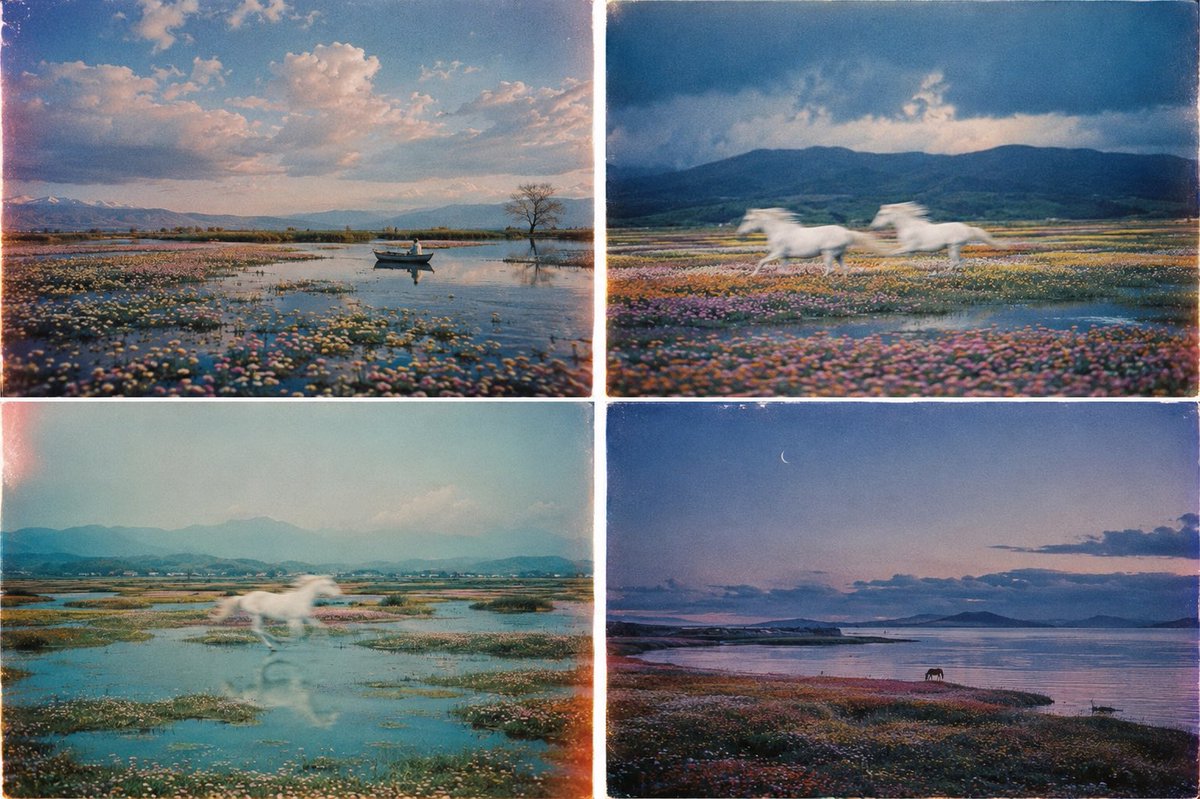
color_palette · mutedcomposition · multi-panelmood · dreamyquality_flags · multi-panel-layoutsubject_type · landscape-natureusage · concept-art
提示词(原文,逐字保留)
Hi Bobo,
The method is stupidly simple, especially with the unlimited image generation within ChatGPT app.
I use it in two ways: learning an existing style or mixing references from Pinterest/Cosmos to build a completely new one.
1. Existing style
Collect at least four images of the style you would like to replic. Upload them into ChatGPT and say:
“Study the visual language across these references and generate 10 original variations using the same colour, texture, composition and lighting principles.”
Pick the result that gets closest to the look. Give the style a memorable name, like “Dither Landscape,” then pin the chat.
That pinned chat is now your reusable style preset. Next time you need an image, open it and describe what you want. ChatGPT already has the references and previous outputs in context, so the consistency is much better than starting from scratch every time.
2. Creating a new style
Grab ten references from Pinterest or Cosmos. I normally combine two different aesthetics, five images from each, to create something new. Similar to your approach, @poistudioltd.
Upload all ten and say:
“Combine the visual principles from these two aesthetics into one original, reusable art direction. Generate 10 examples that show how the style works across different subjects.”
Choose the strongest direction, give it a specific name and pin the chat. Keep generating inside that conversation whenever you want to use the style again.
That’s literally it. Your pinned chats become a library of reusable visual styles.
If you want, I can make a proper tutorial showing how I choose references, write the first prompt and stop the style from drifting.
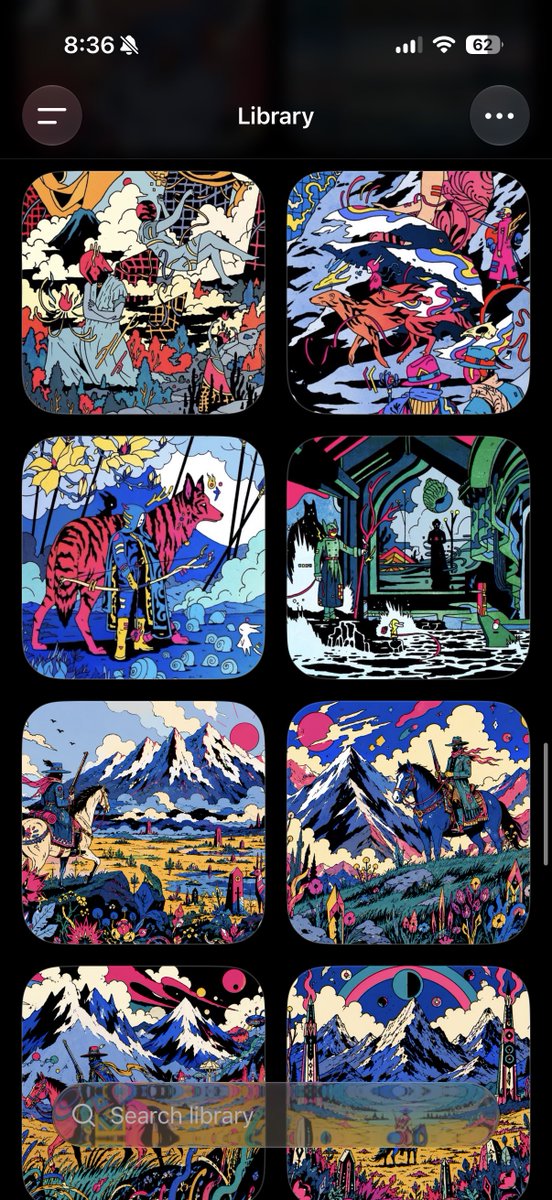
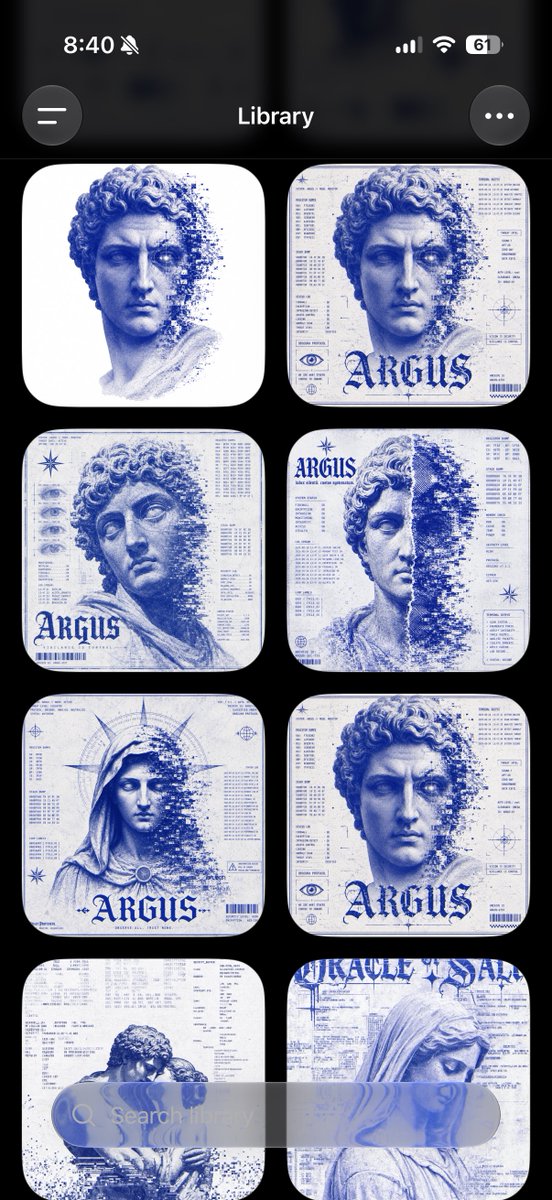
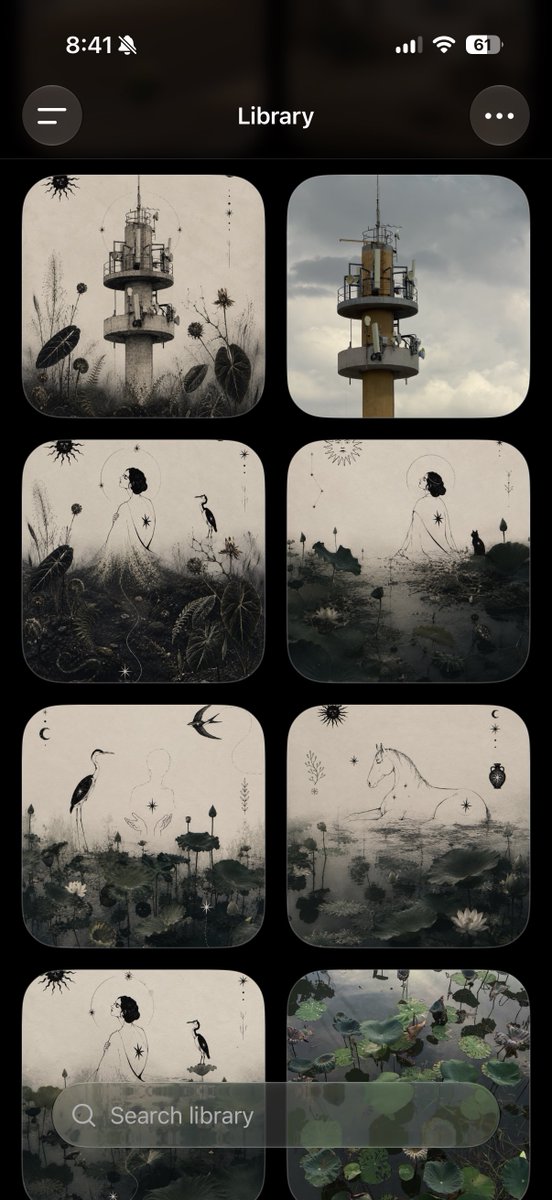
Below are some images I have created using ChatGPT:
中文译文
嗨 Bobo,
这个方法简单得离谱,尤其是在 ChatGPT 应用里有无限图像生成功能的情况下。
我用它来做两件事:学习现有风格,或者把 Pinterest/Cosmos 上的参考图混合起来,打造一种全新的风格。
1. 学习现有风格
收集至少四张你想要复刻风格图片。把它们上传到 ChatGPT,然后说:
“Study the visual language across these references and generate 10 original variations using the same colour, texture, composition and lighting principles.”
挑出最接近你想要效果的那张结果。给这个风格起一个容易记的名字,比如 “Dither Landscape”,然后把这个对话置顶。
那个被置顶的对话现在就是你可以反复使用的风格预设。下次你需要图片的时候,打开它,描述你想要的内容。ChatGPT 的上下文里已经有了参考图和之前的输出,所以一致性比每次从零开始要好得多。
2. 创造新风格
从 Pinterest 或 Cosmos 上挑十张参考图。我通常会把两种不同的美学结合起来,每种各五张,从而创造出新的东西。和你的做法类似,@poistudioltd。
把这十张都上传,然后说:
“Combine the visual principles from these two aesthetics into one original, reusable art direction. Generate 10 examples that show how the style works across different subjects.”
选出一个最强的方向,给它起一个具体的名字,然后把对话置顶。以后想再用这个风格的时候,就在同一个对话里继续生成就行。
真的就是这么简单。你置顶的对话就变成了一个可重复使用的视觉风格库。
如果你愿意,我可以做一个完整的教程,展示我是怎么挑选参考图的、怎么写第一句提示词,以及怎么防止风格跑偏。
以下是我用 ChatGPT 创作的一些图片:
来源与署名
原文由 @giannoklein 发布在 X:查看原推文。 本页逐字保留原文并提供机器翻译的中文解读;版权归原作者所有。
同工具的更多提示词
- 《Christmas in Hell》,音乐剧 https://t.co/qMyz0WRIfa@magoghm
- 2x2 网格,16:9,制作此内容——地球历史上的 4 次大灭绝事件 =>class Claymation_Infographic: def init(sel…@Gdgtify
- 《Christmas in Hell》,音乐剧 https://t.co/Q4dqCtLbay@magoghm
- "我想开发一款和 https://t.co/ICXDLwNfxh 一样的应用。"然后我就让 agent 去搭建,我开始接受它给出的所有建议。前期我一路点击接受…@vitosmolenski
- 《地狱圣诞节》音乐剧 https://t.co/E7r8IUQT5R@magoghm
- [图像提示词] 基于附上的参考图,创建一张干净的、照片写实的四格角色参考表。 采用横向宽布局,分为四个等大竖向面板,面板之间有细而干净的分隔线。完全保留参考图…@opener_ai