使用开场图片在 Flova 中创建一个 45 秒的连续一镜到底视频。
分享链接 · https://openimages.ajiang.me/p/2078492681404346680/
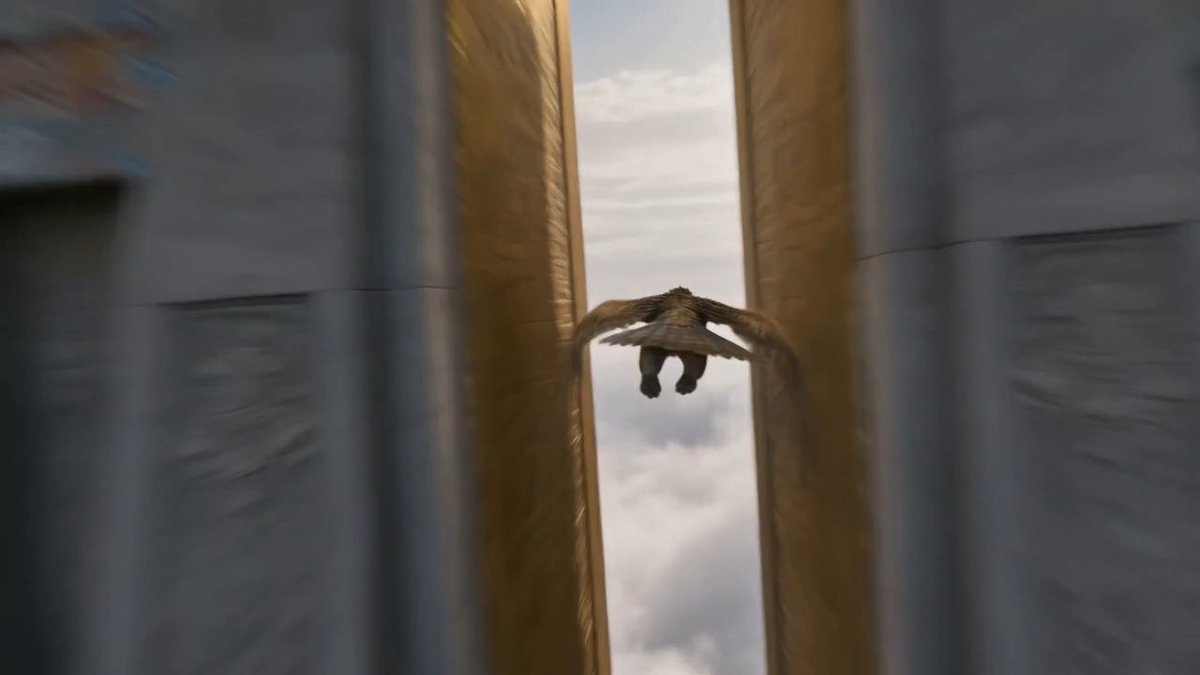
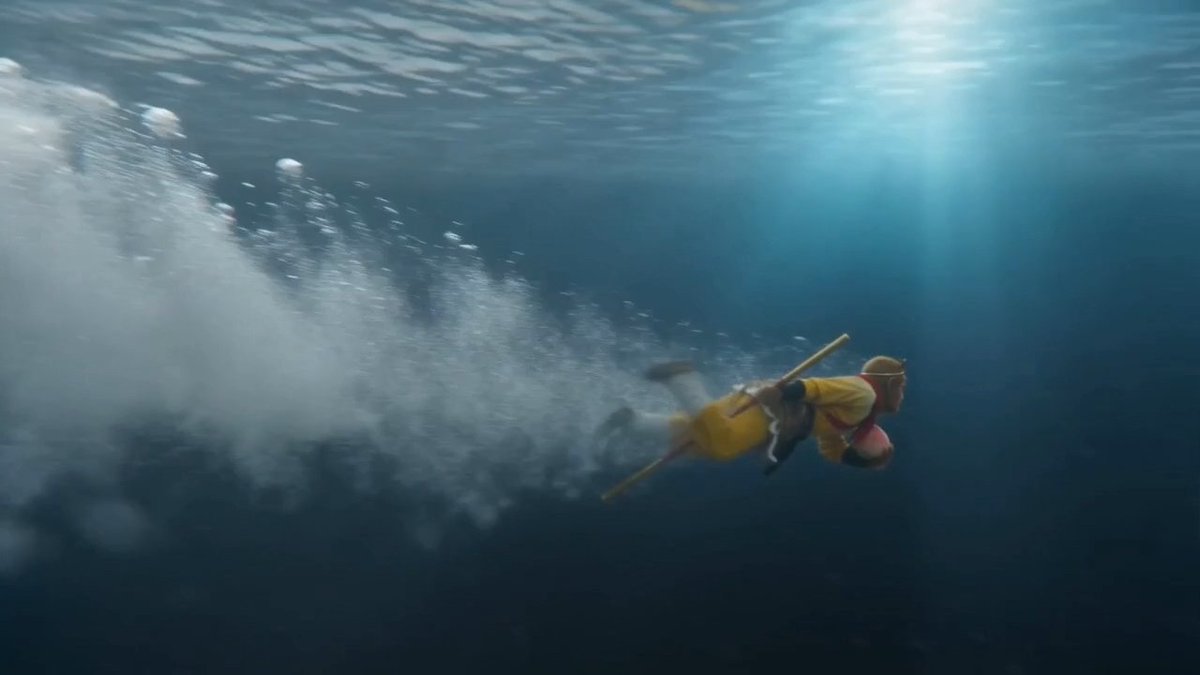
camera_lens · motion-blurcolor_palette · cool-tonescomposition · dynamic-diagonalcomposition · wide-shotlighting · volumetric-lightmood · dreamy
提示词(原文,逐字保留)
Use the opening image to create a 45-second continuous one-take video in Flova.
First, expand the idea into a complete story and split it into 3 × 15-second segments.
For each segment:
- Write a detailed Seedance prompt
- Keep the action, camera movement, character state, and story continuous
- Avoid cuts, jump cuts, montage, or scene resets
- End with motion still continuing
Generate the first 15s clip from the opening image.
Then capture the last frame of the generated video and use it as the starting frame for the next 15s clip.
Repeat the same process for the third segment.
The goal is to make all three clips connect naturally as one continuous 45-second shot.
中文译文
使用开场图片在 Flova 中创建一个 45 秒的连续一镜到底视频。
首先,将构思扩展为一个完整的故事,并将其拆分为 3 段 × 每段 15 秒的片段。
针对每个片段:
- 撰写一个详细的 Seedance 提示词
- 保持动作、镜头运动、角色状态和故事的连续性
- 避免剪辑、跳剪、蒙太奇或场景重置
- 在结尾处确保运动仍在继续
使用开场图片生成第一个 15 秒片段。
然后,捕捉生成视频的最后一帧,并将其用作下一个 15 秒片段的起始帧。
对第三段重复相同的过程。
目标是让所有三段片段自然衔接,作为一个连续的 45 秒镜头呈现。
来源与署名
原文由 @MrLarus 发布在 X:查看原推文。 本页逐字保留原文并提供机器翻译的中文解读;版权归原作者所有。
同工具的更多提示词
- 第37个 AI 模型提示词 Prompt 一位令人叹为观止的奇幻女性英雄无畏地站立在一头巨大的天体巨龙之下。这条龙完全由水晶般的深红花瓣、液态红宝石能量、绽放…@LitvinAntonio
- 超写实 8K RAW DSLR 肖像,一位自信的印度女性,白皙肤色,蓬松的长波浪深棕色头发披在肩上,锋利的拱形眉毛,清晰的眼线,光泽裸粉唇,带着诱惑的侧目…@jarvis_og_AI
- 仰望天空的律动 😎💙 - 提示词 ⬇️ 超写实、照片级真实感的人像照,基于上传的参考图像中的人物,严格锁定身份,保持完全一致的面部身份、面部结构、发型、胡须、…@aatif_j
- 🚨 荒诞混乱的背后! 为了确保 AI 在围绕经典橡胶鸡生成超现实灾难电影时完全保留其经典造型,我使用了一张角色参考图和一段极其详细、带有时间戳的提示词。 下面…@PromptSin
- 一张专业摄影作品,拍摄于蓝调时分的狭窄砂岩狭缝峡谷,清冷的暮色光辉将弧形波浪状的峡谷壁浸染在深靛蓝、紫罗兰与柔和的铜色调中,峡谷开口上方天空中最后一缕微弱的自…@RockGrokAI
- 我把标志做成了私人飞机尾翼 ✈️ 免责声明:这个视觉概念是粉丝启发的艺术再创作,仅用于创意实验,不隶属于原始品牌、飞机制造商、商标所有者或权利持有人,也未获得…@SIELmarketing