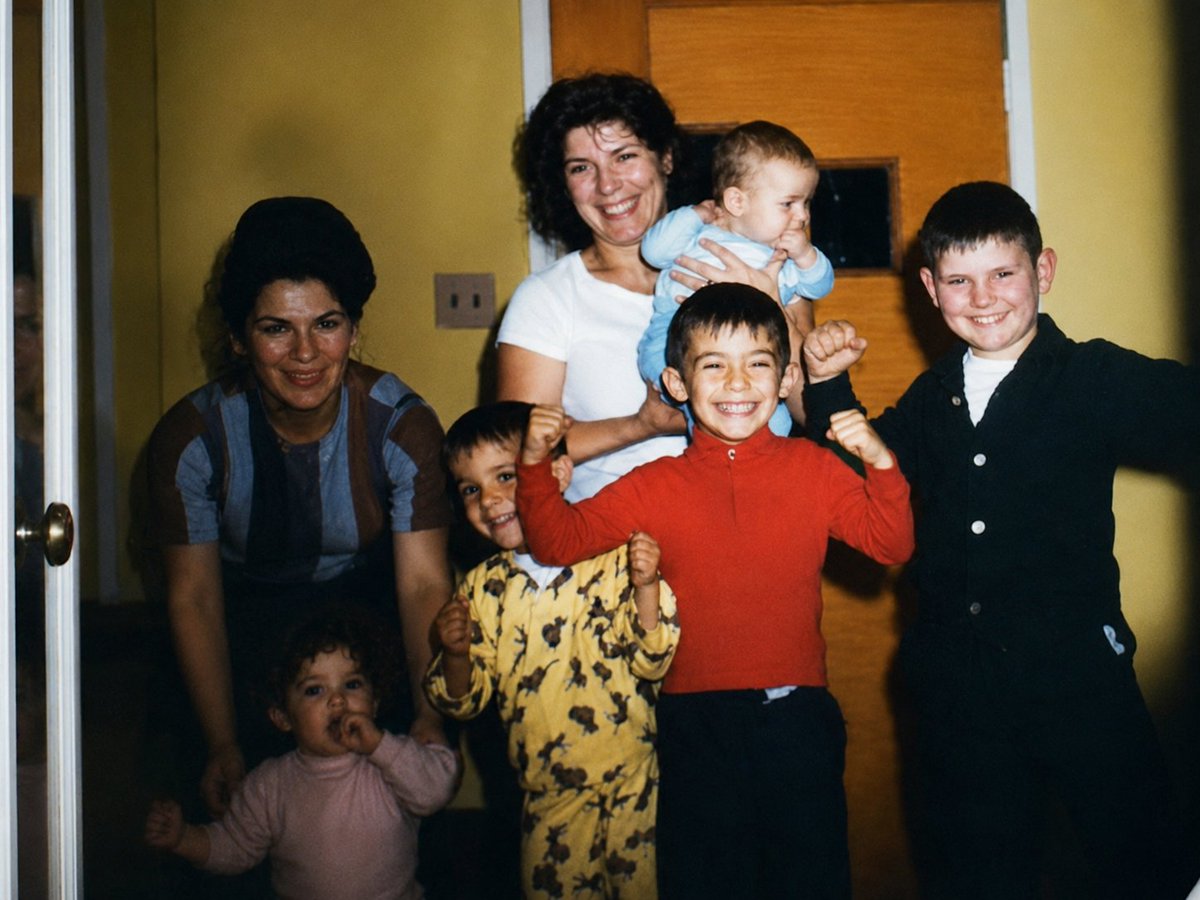
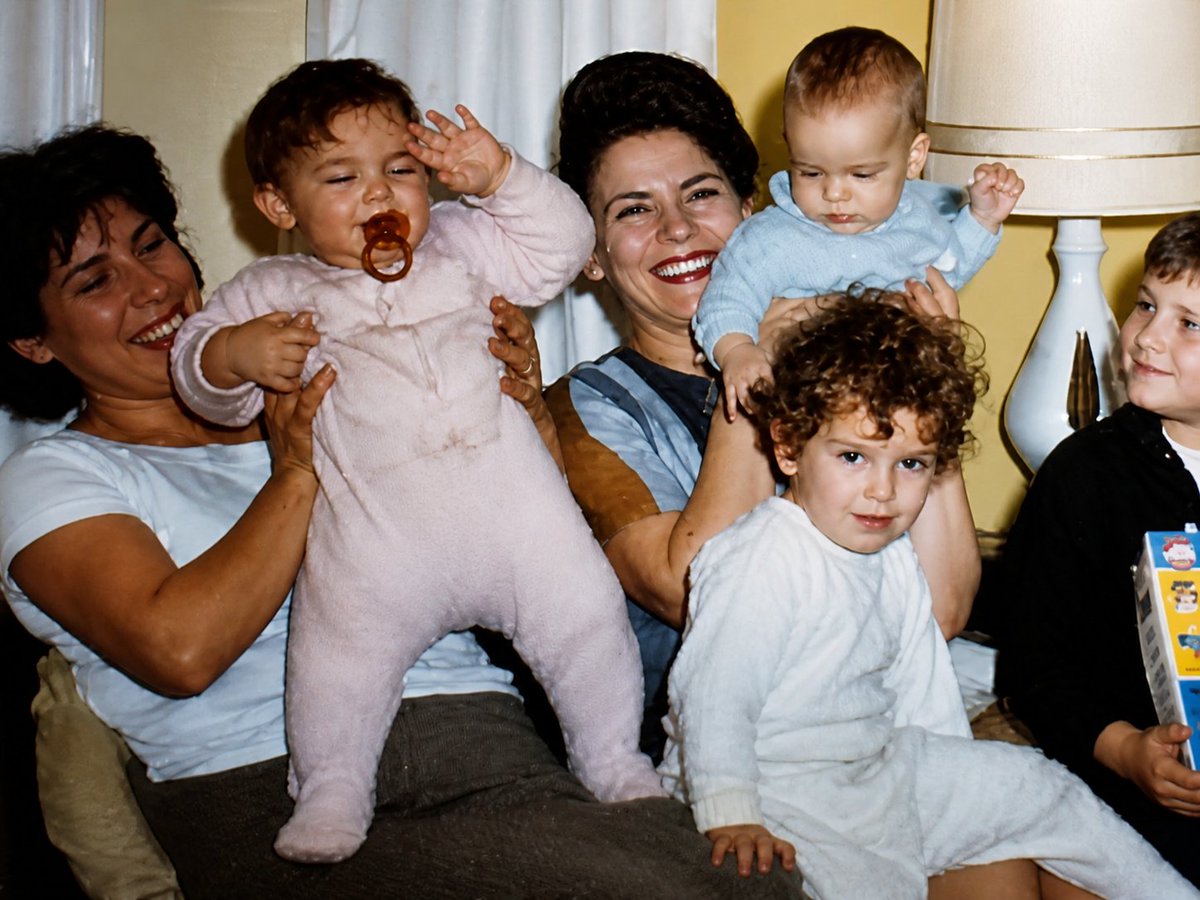
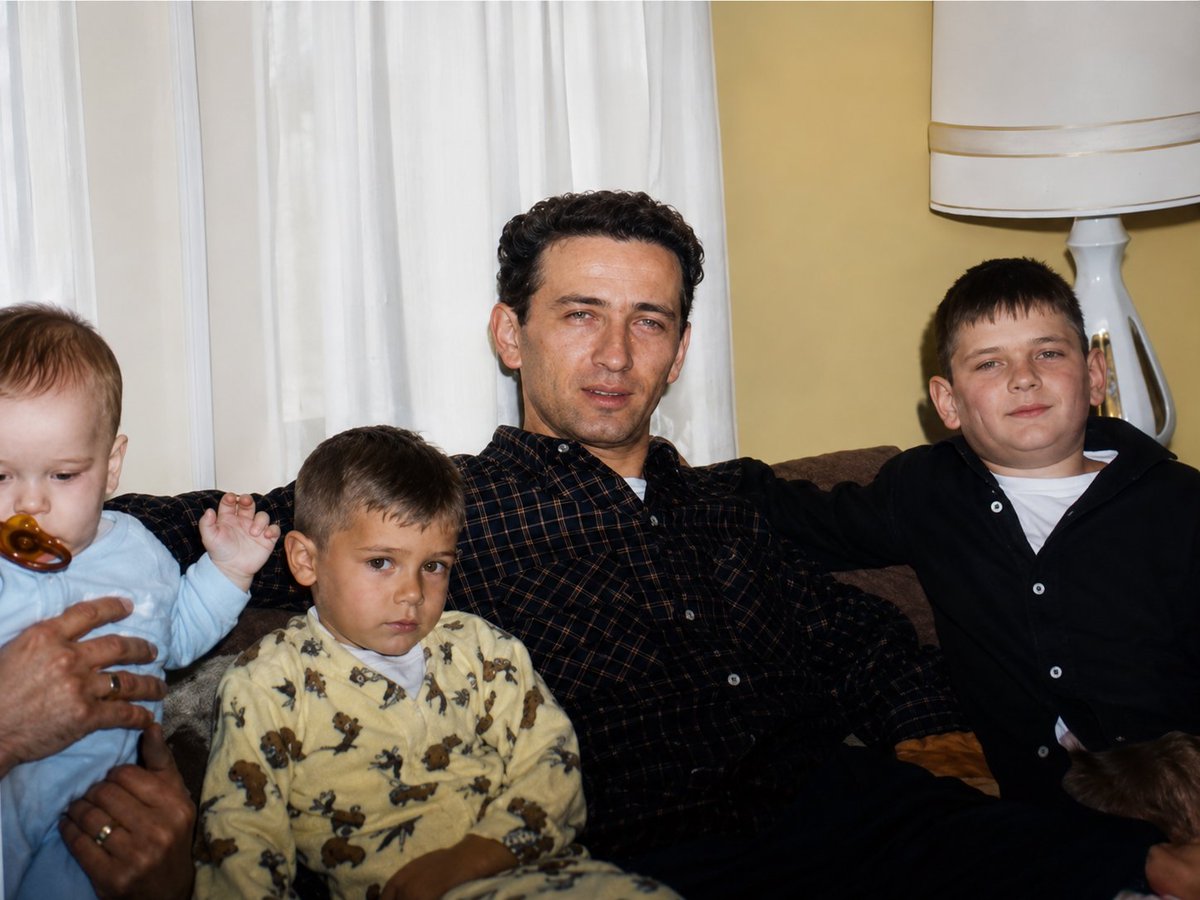
将附带的图片转换为高分辨率数码照片,使其看起来像是昨天拍摄的。效果看起来像是用 Canon EOS R6 拍摄的。电影级的色彩分级和光…
分享链接 · https://openimages.ajiang.me/p/2065139340486045905/
camera_lens · 85mm-portraitcolor_palette · warm-tonescomposition · centeredcomposition · medium-shotlighting · studio-lightscene · indoor-home
提示词(原文,逐字保留)
Transform the attached image into a high resolution digital photo that looks like it was taken yesterday. Make it look like it was taken with a Canon EOS R6. Cinematic color grading and lighting. Keep details the same, only change the quality and resolution.
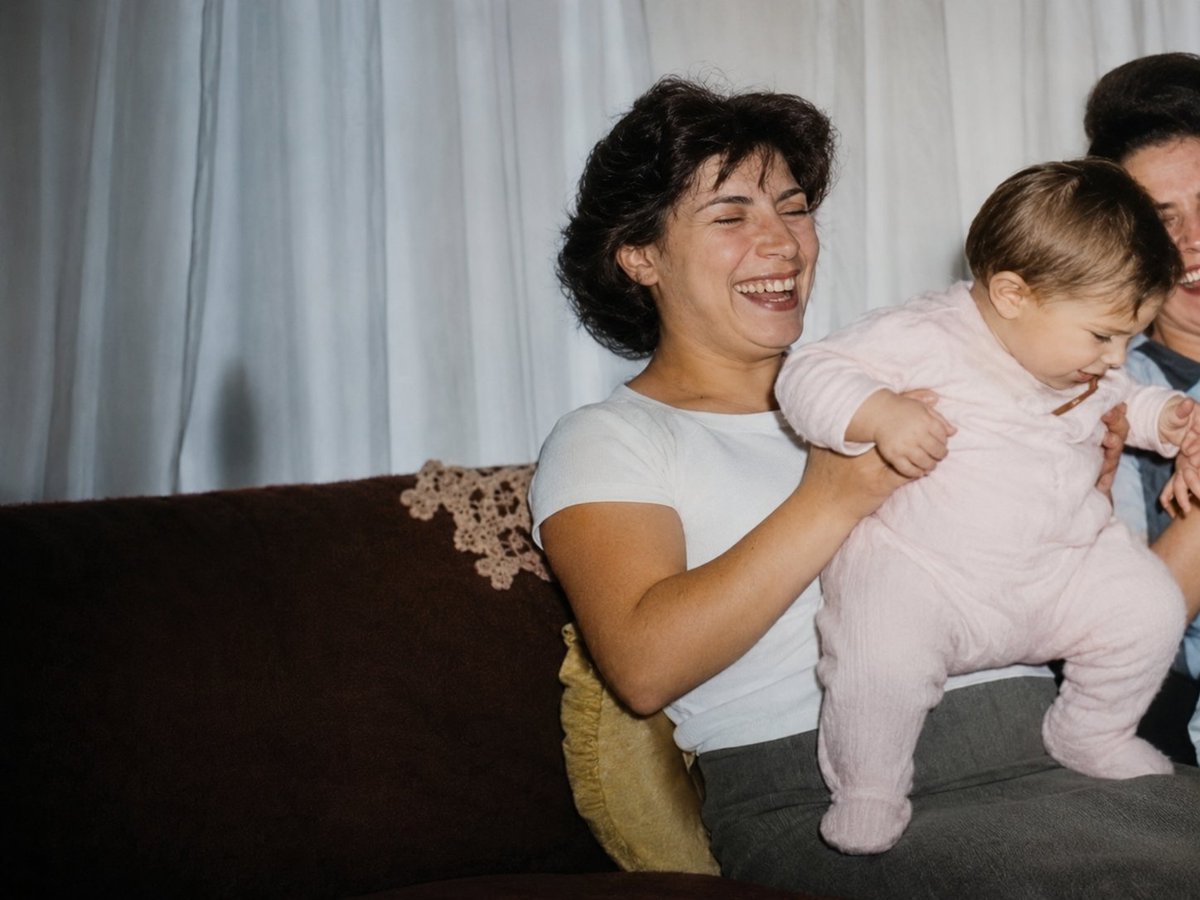
Once GPT-Image 2 gives you the first ultra high quality image, upload the rest of your stills and input the following prompt: do the same for these attached photos Download all the ultra high quality images
中文译文
将附带的图片转换为高分辨率数码照片,使其看起来像是昨天拍摄的。效果看起来像是用 Canon EOS R6 拍摄的。电影级的色彩分级和光线效果。保持细节不变,只改变画质和分辨率。
一旦 GPT-Image 2 给出第一张超高清图片,上传你其余的剧照,并输入以下提示:do the same for these attached photos Download all the ultra high quality images
来源与署名
原文由 @CuriousRefuge 发布在 X:查看原推文。 本页逐字保留原文并提供机器翻译的中文解读;版权归原作者所有。
同工具的更多提示词
- 一张16:9横向版式的孔版印刷(risograph)zine风格信息图海报,探讨热带雨林的生物多样性,设计上要看起来就像一本用重叠孔版油墨层印制的独立科学zi…@92digitalartArt
- GPT Image 2 刚刚发布了一个非常炸裂的功能 🔥 我把一张普通照片变成了一张官方 Panini 2026 世界杯贴纸卡。 看看这张法国国家队收藏卡的细…@CharaspowerAI
- 完整提示词:https://t.co/Rwk6EMWp7Z 为一款名为"ADIDAS AEROBLADE X - LIMITED DROP"的虚构超限量阿迪达…@iamaiistudio
- 选择一位20多岁、令人惊艳的东亚美女。她应该看起来像真实的人,而不是动漫角色。黑色长直发,柔和的面部特征,瓷白肌肤,自然之美,气质优雅自信。 三重莓果冰淇淋灵…@tealdog2
- 超凡详细的建筑蓝图式肖像画,描绘一位传奇足球偶像,采用精致的深海军蓝墨水速写风格,绘制于高级复古象牙色绘图纸之上。一幅大幅的超写实头肩肖像占据画面中心,具有清…@jzaib4269
- 俯视生活方式摄影,采用略微倾斜的高角度,俯瞰一张舒适的床。一位纤细的年轻女子仰面躺着,散发着放松慵懒的周末早晨气息。她留着一头黑色长直发,发丝略带凌乱,夹杂着…@iamaiistudio