如何打造这种风格
分享链接 · https://openimages.ajiang.me/p/2063129425823269008/
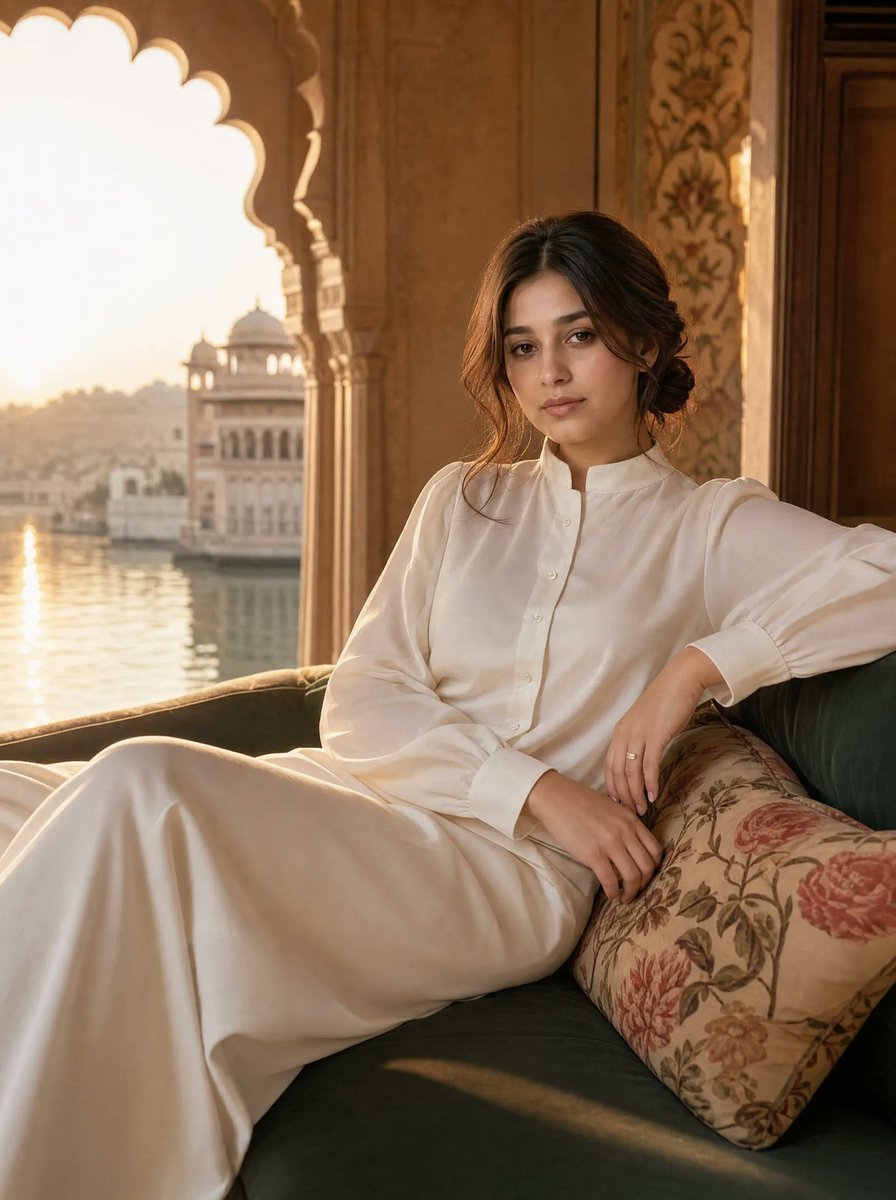
color_palette · warm-tonescomposition · medium-shotcomposition · rule-of-thirdslighting · golden-hourlighting · soft-lightscene · historical-setting
提示词(原文,逐字保留)
How to create this look
1. Open Gemini / Grok / GPT Image 2.0
2. Upload your photo
3. Copy the prompt
4. Generate the image
5. Prompt ⤵️ Part (1)
Transform your ordinary photo into a stunning cinematic portrait with ultra-realistic details, premium lighting, and social-media-worthy aesthetics.
Save this thread for more AI prompts 🔖
中文译文
如何打造这种风格
1. 打开 Gemini / Grok / GPT Image 2.0
2. 上传你的照片
3. 复制提示词
4. 生成图像
5. 提示词 ⤵️ 第 (1) 部分
将你的普通照片转变为令人惊艳的电影感肖像,具有超逼真的细节、高级光影,以及值得分享在社交媒体上的美学效果。
保存这条帖子以获取更多 AI 提示词 🔖
来源与署名
原文由 @MahnoorAi12 发布在 X:查看原推文。 本页逐字保留原文并提供机器翻译的中文解读;版权归原作者所有。
同工具的更多提示词
- 为U.S. Polo Assn.创作一张高级奢侈时尚活动海报:日落时分,一位自信成熟的男模特站在一匹雄健马球旁,身处专属屋顶露台,俯瞰现代城市天际线。该场景需…@obsidian_fr1
- 将上传的参考照片转换为干净的黑白漫画风格线稿插画,同时保留原始图像中完全相同的姿势、构图、服装、配饰、面部表情和透视。创作一幅全身人物画,具备优雅墨线轮廓、流…@Taaruk_
- 创建[OBJECT]的高质量技术信息图。仅使用提供的参考图片来了解对象的形状和形态——请勿复制原始照片、角度、构图或背景。将主体重新构想为一张新颖、专业且逼真…@iamaiistudio
- 使用我上传的照片作为面部参考。以极高精度保留我的面部特征、脸型、眼睛、鼻子、嘴唇、肤色和整体个人特征。在保持高度面部一致性的同时,将图像提升为专业超写实摄影质…@AvelyrahnAI
- 一幅自然真实的胶片风格人像:一位快乐的年轻女性,留着蓬松卷曲的浅棕色长发,带有金色挑染,她开怀大笑,双眼紧闭,嘴巴张开,表情真诚又狂喜。她耳后别着一朵紫色小花…@chatgptpaglu
- 创作一幅高度精细、高端的旅行艺术插画,画面前景中有一只手握着一张[城市专属车票/通行证]。这张车票是通往[城市名称]的入口,一个写实的微缩城市场景从车票中浮现…@Goodmanprotocol