GPT 图像 2.0 → 3D 角色建模指南
分享链接 · https://openimages.ajiang.me/p/2054921334614855882/
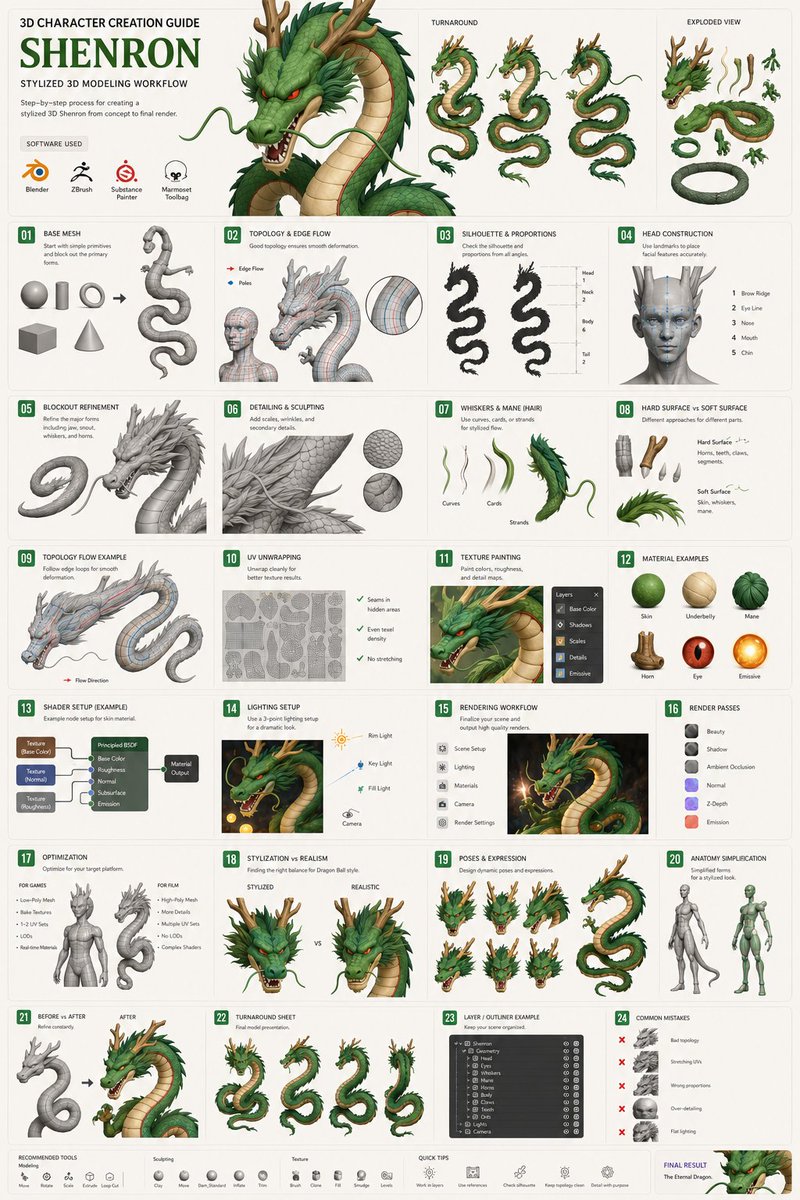
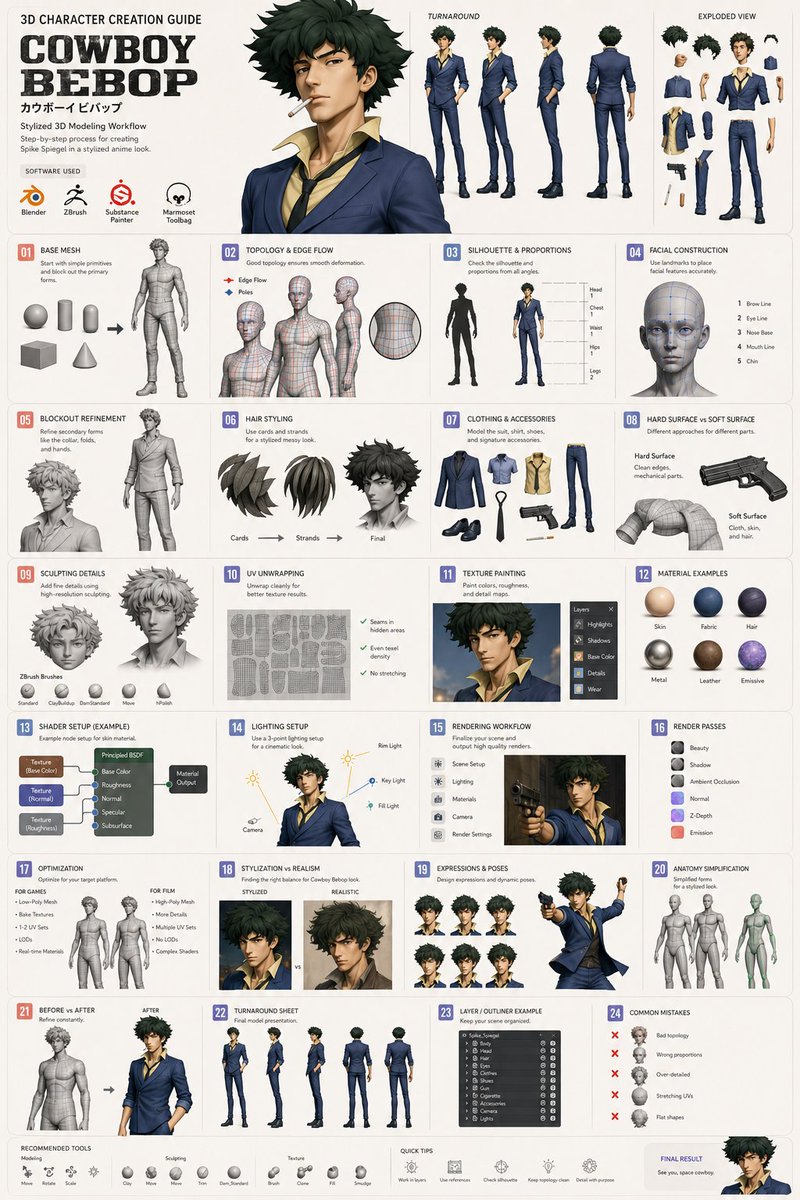
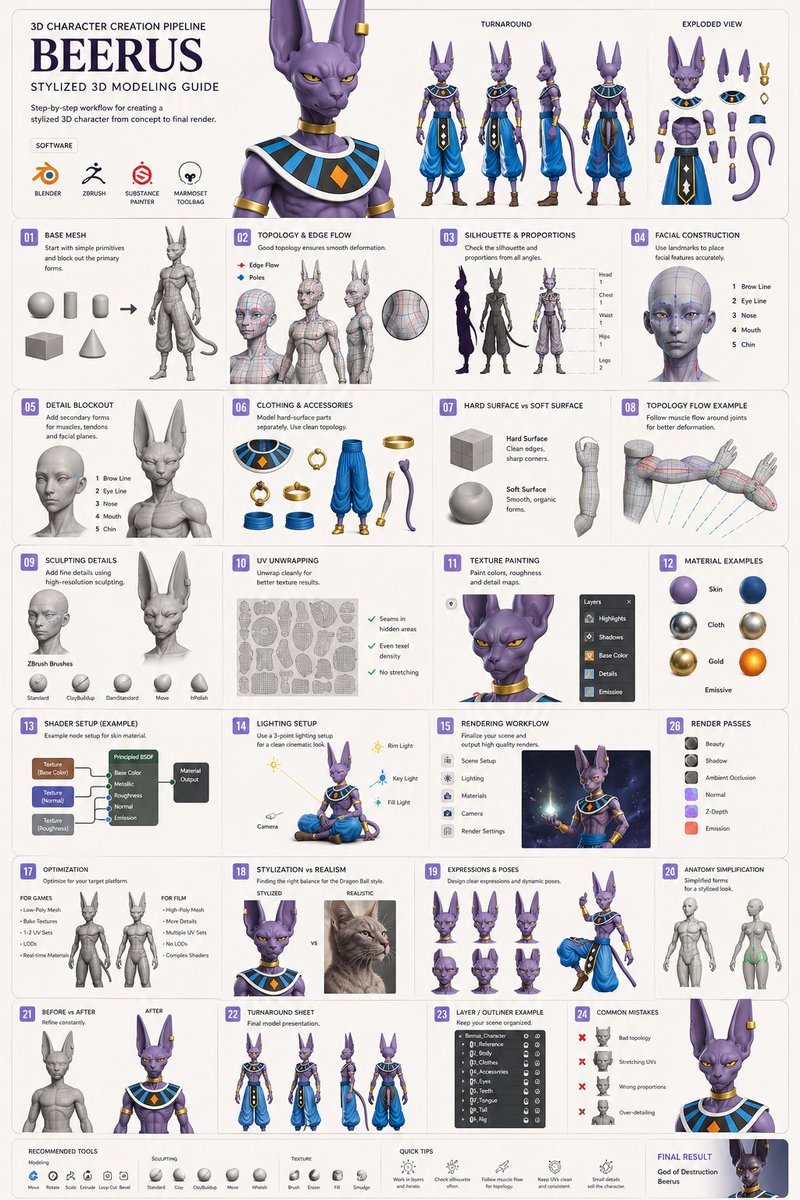
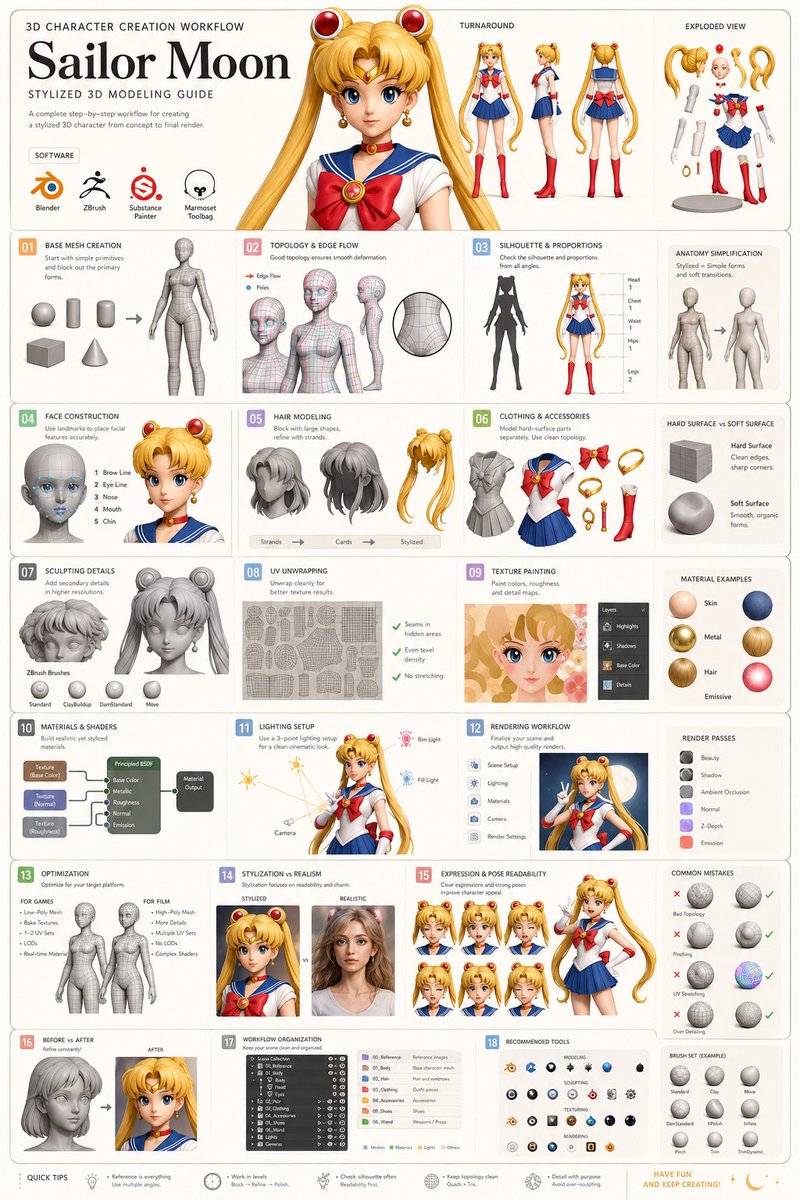
color_palette · mutedcomposition · multi-panelquality_flags · multi-panel-layoutquality_flags · typography-heavysubject_type · charactersubject_type · diagram-document
提示词(原文,逐字保留)
GPT Image 2.0 → 3D Character Modelling Guide
Prompt
Create an image of a clean minimalist educational infographic tutorial showing the step-by-step process of modeling a highly recognizable stylized 3D version of [Character] inside professional 3D software such as Blender, Maya, Cinema 4D, or ZBrush.
The infographic should look like a premium modern game art school guide combined with a sleek UI/UX instructional poster — visually organized, easy to understand, beginner-friendly, and designed to minimize cognitive overload through strong visual hierarchy, spacing, and simplified diagrams.
Focus on teaching the essential workflow of character creation from start to finish while keeping the presentation visually elegant and minimal. Use a structured vertical or modular grid layout with clearly separated sections, clean labels, arrows, callouts, and simplified technical breakdowns.
Include simplified educational visualizations for:
• Base mesh creation
• Blocking out primary forms using simple geometry
• Using polygons, vertices, edges, and topology flow
• Understanding silhouette and proportions
• Facial construction and landmark placement
• Hair modeling techniques
• Clothing and accessory modeling
• Sculpting secondary details
• Hard-surface vs soft-surface modeling
• UV unwrapping explained simply
• Texture painting and material setup
• Fabric, skin, metal, hair, and emissive material examples
• Lighting setup for cinematic renders
• Rim light, key light, fill light examples
• Rendering workflow
• Optimization for games vs film
• Stylization vs realism comparison
• Anatomy simplification for stylized characters
• Expression design and pose readability
• Shader examples and material node diagrams
• Turnaround views and exploded part breakdowns
• Layer hierarchy and workflow organization
• Recommended software tools and brush icons
• Common beginner mistakes and corrections
• Before vs after modeling refinement examples
The infographic should visually explain concepts using:
* wireframe overlays
* topology flow arrows
* polygon density examples
* vertex point diagrams
* material spheres
* lighting cones
* simplified node graphs
* exploded-view anatomy
* clean process arrows
* modular panels
* minimal captions
* subtle iconography
* color-coded sections
Design aesthetic:
* ultra-clean Scandinavian-inspired infographic design
* modern UI/UX presentation style
* muted neutral colors with selective accent colors
* premium educational poster aesthetic
* soft gradients
* subtle shadows
* glassmorphism or clean flat UI elements
* highly readable typography
* lots of negative space
* minimalist but highly informative
* elegant art-direction similar to Apple, Figma, Notion, or high-end design courses
Visual style:
* semi-realistic stylized 3D diagrams
* simplified but accurate educational visuals
* modern technical illustration style
* polished game-development presentation aesthetic
* cinematic professional lighting
* orthographic character sheets
* clean composition
* high detail but low visual clutter
Include:
* labeled sections
* numbered workflow steps
* small technical notes
* visual progression from primitive shapes to finished character
* miniature viewport examples
* topology closeups
* shader previews
* render comparisons
Background should be clean off-white, warm gray, or soft beige with subtle grid structure and modern presentation aesthetics.
Aspect ratio 3:4. Ultra high detail, professional infographic presentation, educational luxury design aesthetic, premium tutorial poster, modern 3D art education style.
中文译文
GPT 图像 2.0 → 3D 角色建模指南
提示
创建一个干净极简的科普信息图教程图像,逐步展示在 Blender、Maya、Cinema 4D 或 ZBrush 等专业 3D 软件中对 [Character] 进行高度可辨识的程式化 3D 建模的过程。
该信息图应看起来像一份高级现代游戏艺术学院指南,并融合流畅的 UI/UX 教学海报风格——视觉有序、易于理解、对初学者友好,并通过强烈的视觉层级、合理的间距以及简化的示意图来降低认知负荷。
重点是从头到尾教授角色创作的核心工作流程,同时保持演示在视觉上优雅且极简。使用结构化的纵向或模块化网格布局,章节划分清晰,标签、箭头、标注以及简化的技术拆解都整洁规范。
包含以下简化的教学可视化内容:
• 基础网格创建
• 使用简单几何体进行主要形体的大块搭建
• 多边形、顶点、边与拓扑走向的运用
• 剪影与比例的理解
• 面部结构与五官标志点定位
• 头发建模技巧
• 服装与配饰建模
• 次要细节的雕刻
• 硬表面与软表面建模对比
• 简单易懂的 UV 展开讲解
• 纹理绘制与材质设置
• 布料、皮肤、金属、头发与自发光材质示例
• 电影感渲染的灯光设置
• 轮廓光、主光、补光示例
• 渲染工作流程
• 针对游戏与电影的不同优化方式
• 程式化风格与写实风格的对比
• 程式化角色的解剖简化
• 表情设计与姿势可读性
• 着色器示例与材质节点图
• 三视图与分解部件展示
• 图层层级与工作流组织
• 推荐软件工具与笔刷图标
• 常见的初学者错误与修正方法
• 建模前后的精细化对比示例
信息图应通过以下方式直观地解释概念:
* 线框叠加层
* 拓扑走向箭头
* 多边形密度示例
* 顶点示意图
* 材质球
* 光照锥
* 简化的节点图
* 分解视图的解剖结构
* 干净清晰的流程箭头
* 模块化面板
* 极简说明文字
* 细腻克制的图标语言
* 颜色编码的分区
设计美学:
* 超干净的斯堪的纳维亚风格信息图设计
* 现代 UI/UX 演示风格
* 低饱和度的中性配色,搭配精选的重点强调色
* 高品质的教育海报美学
* 柔和的渐变
* 细腻的阴影
* 玻璃拟态或干净的扁平 UI 元素
* 高度可读的字体排版
* 充足的负空间
* 极简却信息丰富
* 类似于 Apple、Figma、Notion 或高端设计课程的优雅美术指导
视觉风格:
* 半写实的程式化 3D 示意图
* 简化但准确的教学视觉
* 现代技术插画风格
* 精致的游戏开发演示美学
* 电影级的专业打光
* 正交角色设定图
* 干净的构图
* 高细节但低视觉杂乱
包含:
* 带标签的分节
* 编号的工作流程步骤
* 小型技术注释
* 从原始几何体到完成角色的视觉演变
* 微缩视图窗口示例
* 拓扑特写
* 着色器预览
* 渲染对比
背景应为干净的米白、暖灰或柔和的米色,带有细腻的网格结构与现代化的演示美学。
宽高比 3:4。超高细节,专业信息图呈现,教育级奢华设计美学,高端教程海报,现代 3D 艺术教育风格。
来源与署名
原文由 @dogan_k_ 发布在 X:查看原推文。 本页逐字保留原文并提供机器翻译的中文解读;版权归原作者所有。
同工具的更多提示词
- 极简主义超高分辨率金阁寺旅行素描海报,绘制于干净的白色速写本纸上,带有细微的纸张纹理质感。风格:精致的钢笔画 + 松散的水彩素描。细腻的黑色墨水线条,轻盈的水…@jzaib4269
- 使用上传的肖像照片作为该人物的外观参考,并高度匹配其身份 创建一张垂直的、照片般真实的电影感海滩篝火人像,拍摄于蓝色时刻(blue hour),她身穿简约的黑…@Shinning1010
- 将我的城市分析转化为一张简洁、学术化、数据驱动的建筑设计图版,采用3:5的横向布局。 构图: → 白色背景上的结构化多面板布局 顶部区域: → 分层爆炸式轴测…@Strength04_X
- 这些思绪会有写完的一天吗? 由 GPT Image 2.0 编辑 提示词 👇🏿 将上传的照片转化为情感怀旧的 2010 年代后期“手工编辑 Instagram…@hemayxn
- { "prompt": { "type": "image_generation", "style": "ultra-realistic", "setting"…@RayanNur95
- 参考图像:使用所提供的 KOZNAR Tech-1 Hi 参考图像,完全复刻该鞋款,不得有任何偏差:光泽 Crayola Red TPU 侧笼上的 KOZNA…@commanderdgr8