大多数 AI 图像工作流在提示词还谈不上糟糕之前,就已经浪费了算力。
分享链接 · https://openimages.ajiang.me/p/2048233353032442295/
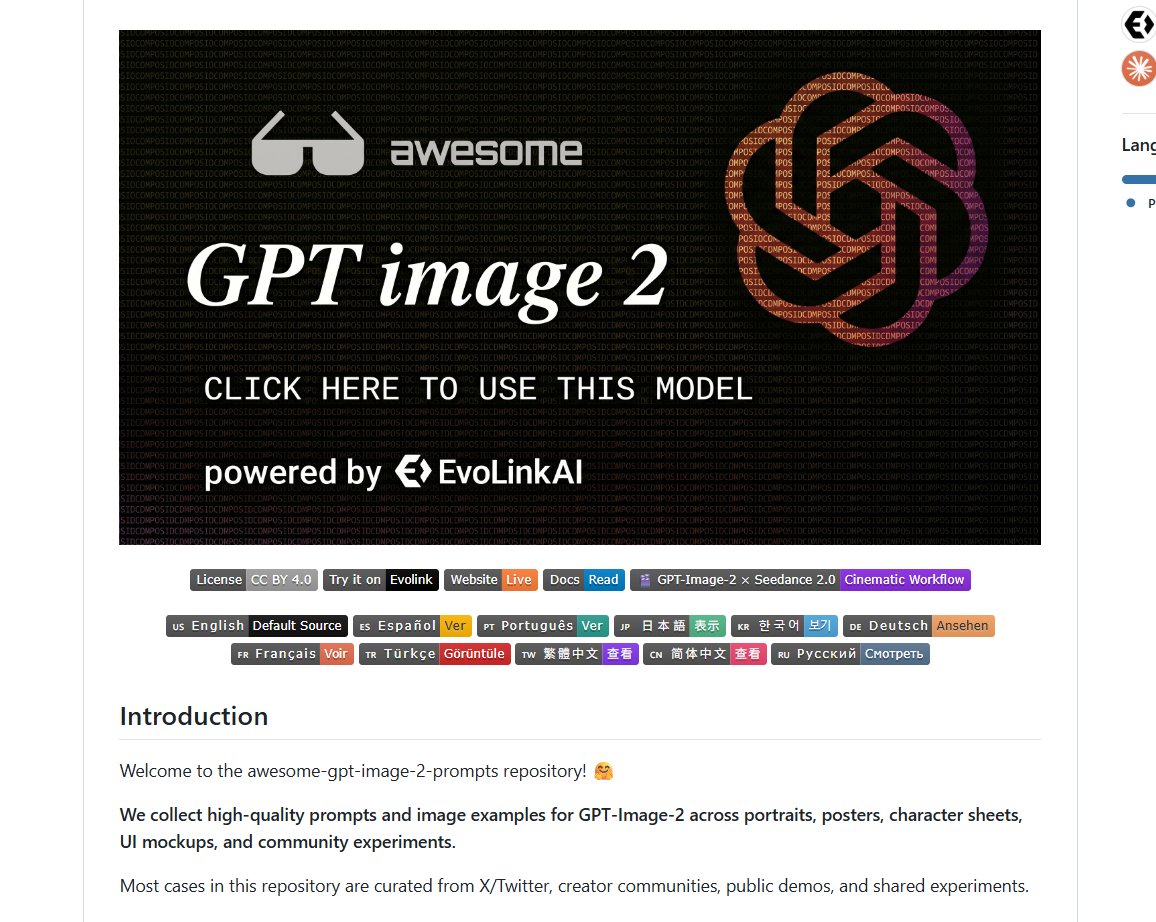
color_palette · dark-moodycomposition · centeredquality_flags · screenshot-uiquality_flags · typography-heavysubject_type · diagram-documentsubject_type · ui-screen
提示词(原文,逐字保留)
Most AI image workflows waste credits before the prompt is even bad.
The real bottleneck is starting from a blank box.
awesome-gpt-image-2-prompts turns GPT-Image-2 prompting into a reference workflow:
prompt + output examples across portraits, posters, product ads, UI mockups, character sheets, comparison tests, and community experiments.
Before:guess a style, generate, delete, rewrite the same lighting/composition words again.
After:start from cases that already produced visible images, then adapt the structure.
Use it when you need to:
- build a portrait/photo prompt without inventing camera language from scratch
- study poster and ad layouts before burning another generation loop
- copy UI mockup framing patterns into your own product shots
- keep character-sheet and 3x3 consistency prompts close at hand
- compare community examples when GPT-Image-2 output drifts
The repo is already at 3.9k+ stars and keeps adding curated cases.
The expensive part was never writing one prompt.
It was accepting blind trial-and-error as the normal way to make images.
Read the examples before your next generation session.
中文译文
大多数 AI 图像工作流在提示词还谈不上糟糕之前,就已经浪费了算力。
真正的瓶颈是从一个空白框开始。
awesome-gpt-image-2-prompts 把 GPT-Image-2 提示词变成一种可参考的工作流:
覆盖人像、海报、产品广告、UI 模型图、角色设定集、对照测试以及社区实验的提示词与生成样例。
过去:猜测一种风格,生成,删除,再重写一遍相同的光照/构图描述。
现在:从已经生成出可见图像的案例出发,再调整其结构。
在你需要以下场景时使用它:
- 在不凭空发明镜头语言的前提下,搭建人像/摄影提示词
- 在消耗下一轮生成之前,研究海报与广告的版式
- 把 UI 模型图的取景模式复制到自己的产品图中
- 将角色设定集与 3x3 一致性提示词放在手边随时取用
- 当 GPT-Image-2 的输出出现漂移时,对照社区样例进行比对
该仓库已获得 3.9k+ stars,并持续补充精选案例。
昂贵的从来不是写一条提示词。
而是把盲目的试错当作生成图像的常规方式。
在你下一次开始生成之前,先读一读这些样例。
来源与署名
原文由 @decision_BTC 发布在 X:查看原推文。 本页逐字保留原文并提供机器翻译的中文解读;版权归原作者所有。
同工具的更多提示词
- 奢华科技时尚广告大片,超大号专业长焦相机镜头水平放置如同一件雕塑艺术品,女模特身穿白色短裤与修身短上衣,自信地坐于镜头之上,一条腿弯曲、另一条向下伸展,流畅利…@AIwithSynthia
- GPT Image 2 on ChatGPT 提示词如下 👇 为日本(JAPAN)创作一张高级的风格化旅行海报 / 图形拼贴。 主体必须是时尚的国际女性游客(…@sha_zdiii
- 拥有你的品牌 GPT Image 2 on @ChatGPTapp { "prompt": "High-end luxury skincare adverti…@Just_sharon7
- 高端时尚运动大片主题广告,女性网球运动员身穿挺括白色百褶裙、修身体能短款上衣搭配白色空顶帽,随意地坐在一片专业的绿色网球场上,一条膝盖抬起,另一条腿自然伸展…@AIwithkhan
- 创建一个超现实的、梦幻般的球形全景图,展现[城市名称],将其最具标志性的地标和建筑无缝地环绕在类行星球体的顶部,形成一个统一的袖珍世界。 将书写着“[城市名称…@Naiknelofar788
- 规则就是用来打破的。 GPT IMAGE 2 在 @ChatGPTapp 上 Prompt 4:5 竖版海报,超高分辨率,8K,奢侈时尚大片,编辑风格 + 商…@Just_sharon7